How to Build a Facebook Ad Swipe File That Actually Improves Your ROAS
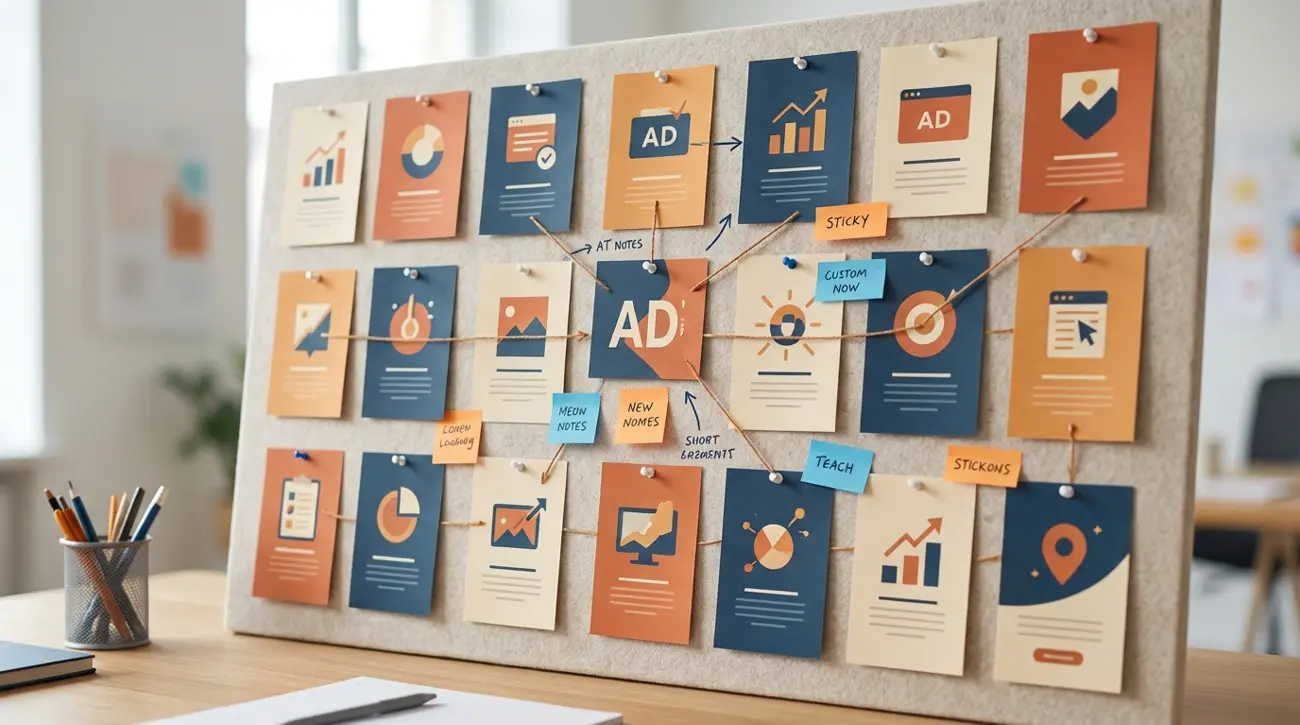
Every media buyer has a folder somewhere full of competitor ad screenshots. Maybe it is a Google Drive directory, a Notion database, or just a camera roll full of screen grabs. The problem is that most Facebook ad swipe files are just graveyards — ads go in, nothing useful comes out.
The difference between a swipe file that collects dust and one that improves your ROAS is not the ads you save. It is how you organize them, what you extract from them, and how you turn patterns into original creatives. This guide teaches a system, not just collection tips.
If you have ever thought "I saved hundreds of ads but still stare at a blank canvas when building creatives," this framework is for you.
What Is an Ad Swipe File and Why Most Are Useless
A swipe file is a curated collection of ad examples that you reference when creating new campaigns. The concept comes from direct-response copywriting — legendary copywriters like Gary Halbert kept physical folders of proven sales letters.
The Facebook version should work the same way: a searchable library of proven ad creatives, organized so you can quickly find relevant examples when brainstorming new campaigns.
Why most swipe files fail:
- No organization. Ads are dumped into a single folder with no tags, categories, or metadata. Finding a specific example requires scrolling through hundreds of files.
- No context. A screenshot alone tells you nothing about why the ad works. Was it running for 30 days? Which countries? What CTA? Without context, you cannot learn from the example.
- No analysis. Saving an ad is not learning from it. Most people bookmark and forget. The analysis step — identifying the hook, offer structure, and audience psychology — is where the value lives.
- No pruning. Old ads pile up. What worked in 2024 may be irrelevant in 2026. Without regular maintenance, the file becomes noise.
- No connection to outcomes. Did the patterns you noticed actually improve your campaigns? Without tracking, you cannot know whether your swipe file is helping.
A good swipe file is not a collection — it is a system. Collection is step one. Organization, analysis, pattern extraction, and creative application complete the loop.
What to Save: The 7 Elements That Matter
When you find an ad worth saving, do not just screenshot the creative. Capture these seven elements:
1. The hook (first 3 seconds or first line) What stops the scroll? Is it a question, a bold claim, a visual disruption, or a curiosity gap? The hook is the most transferable element across niches.
2. The offer structure What is being sold and how? Discount, free trial, lead magnet, direct purchase? Note the specific framing: "50% off" vs. "Buy one get one" vs. "Free for 14 days."
3. The creative format Static image, video, carousel, or collection ad? Note dimensions, length (for video), and whether it uses text overlays, UGC style, or polished production.
4. The ad copy structure Primary text, headline, and description. How long is the copy? Does it use emojis, bullet points, or storytelling? What is the reading level?
5. The CTA alignment What CTA button is used (Shop Now, Learn More, Sign Up)? Does the CTA match the offer? Mismatched CTAs reduce conversion — noticing them in competitor ads helps you avoid the same mistake.
6. The longevity signal How long has this ad been running? An ad active for 14+ days is likely profitable. An ad that disappeared after 3 days was probably a failed test. Longevity is the closest proxy to performance you can observe externally.
7. The targeting clues What can you infer about the target audience? Geographic scope, language, platform placement, and demographic hints from the creative style and messaging tone all reveal targeting strategy.
How to capture these efficiently:
Using Adligator, each ad card already displays most of these elements: advertiser name, ad age (days active), GEO count, platform placements, CTA button type, and full ad copy. The bookmark feature lets you save ads directly to collections with this metadata attached — eliminating manual screenshot-and-tag workflows.
How to Organize Your Swipe File for Fast Retrieval
The organizing principle should answer one question: "When I need creative inspiration for a specific campaign, can I find relevant examples in under 60 seconds?"
Recommended category structure:
By hook type:
- Pain point hooks ("Tired of...")
- Curiosity hooks ("This one trick...")
- Social proof hooks ("10,000 customers...")
- Contrast hooks ("Before/After...")
- Direct offer hooks ("50% off today...")
- UGC/testimonial hooks
By format:
- Static image
- Short video (<15 seconds)
- Long video (15-60 seconds)
- Carousel
- Collection/instant experience
By niche/vertical:
- E-commerce
- SaaS/software
- Local business
- Lead generation
- App install
- Info products
By performance indicator:
- Proven winners (14+ days active, multi-country)
- Promising tests (7-14 days, single market)
- Creative experiments (novel approaches worth studying)
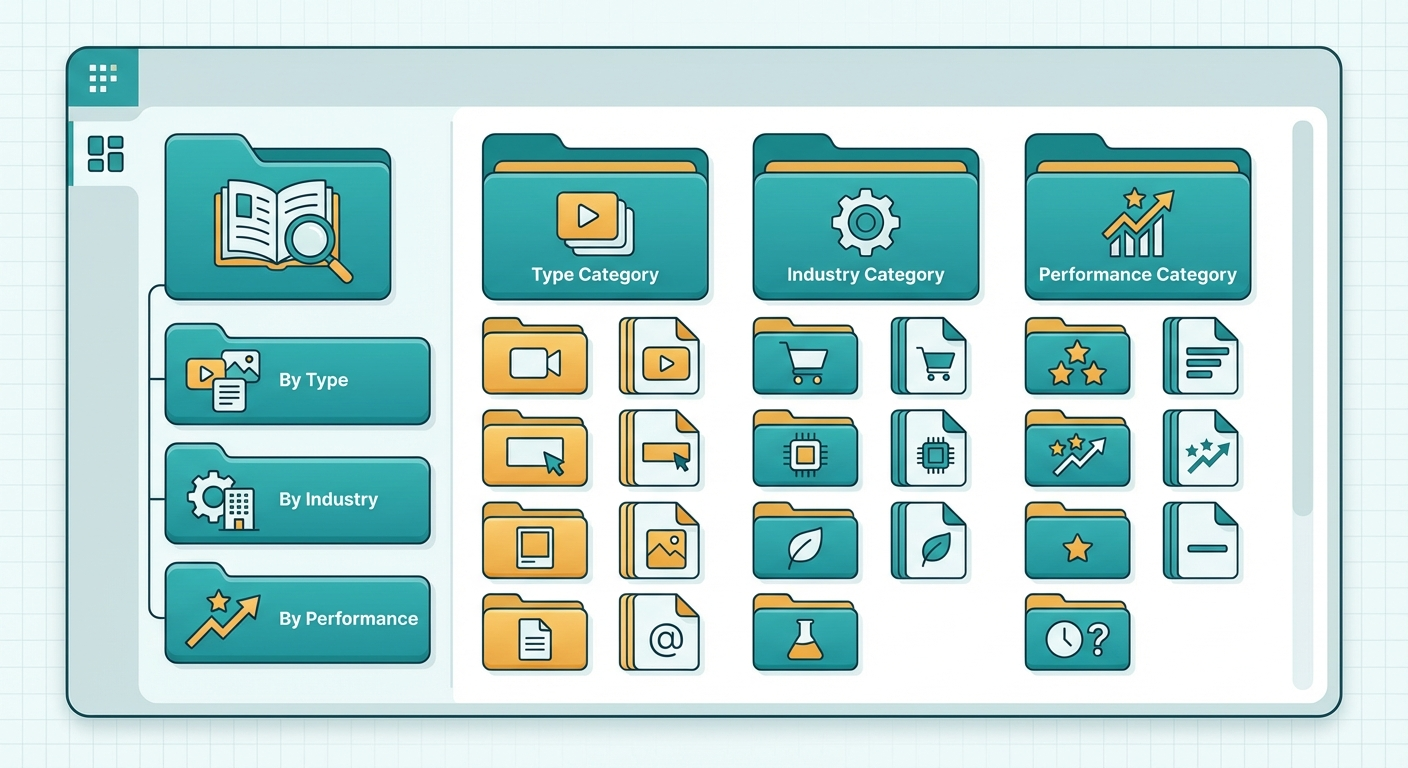 A systematic organization turns random screenshots into a searchable creative library.
Tool recommendations for organization:
- Notion database: Best for rich metadata and multiple views (gallery, table, timeline). Create properties for each category above.
- Airtable: Similar to Notion but with better filtering and formula capabilities. Good for teams.
- Adligator collections: Save ads directly from search results with built-in metadata. Best for Meta ads that do not need manual screenshotting.
- Google Drive + Sheets: Free but limited. Works for solo practitioners who prefer simplicity.
Free vs Paid Swipe File Tools Compared
Free options:
- Meta Ad Library + screenshots: Zero cost, maximum effort. You manually browse, screenshot, and organize. Works for 3-5 competitors.
- Notion/Google Sheets: Great for organizing what you collect manually. No collection automation.
- Browser bookmarks + folders: Quick to save but impossible to search at scale. No metadata.
Paid options:
- Foreplay ($49/month): Dedicated swipe file tool with Chrome extension for saving ads directly from Meta Ad Library. Good UI but limited to what you manually browse.
- Adligator (Free-$65/month): Not a dedicated swipe file tool, but the combination of search, filtering, bookmarking, and collections effectively creates an automated swipe file from its database. You search by keyword or competitor, filter by format and longevity, and save winners to collections — all with metadata attached.
- SwipeKit ($29-79/month): Focused on saving and organizing ad examples with team sharing. Limited search capabilities.
The distinction matters: manual swipe file tools help you organize what you find. Adligator helps you find what to organize — its search and filter system surfaces relevant ads from a database of competitor creatives, eliminating the browse-and-discover bottleneck.
Automate your swipe file — try Adligator free
Using Adligator as Your Automated Swipe File Engine
Traditional swipe files require you to find ads first and organize them second. Adligator reverses this by providing a pre-organized, searchable database of competitor ads with metadata already attached.
Workflow for swipe file building with Adligator:
- Search by keyword or niche: Enter your product category, competitor name, or ad angle keyword.
- Filter for winners: Apply "days active: 14+" to surface proven creatives. Add GEO count filter to find scaling campaigns.
- Browse and evaluate: Each card shows the creative, ad copy, CTA, advertiser, age, and platform data — all seven elements from Section 2 without manual capture.
- Save to collections: Bookmark winning examples to named collections (by niche, hook type, or campaign).
- Set trackers for continuous building: Save your best search configurations as live trackers. New ads matching your criteria appear automatically — your swipe file grows without manual effort.
The key advantage: Instead of browsing Meta Ad Library for hours hoping to stumble on good examples, you search with intent. "Show me carousel ads in the skincare vertical running 14+ days across 5+ countries with a Shop Now CTA" — that is a search that returns proven winners in seconds, not hours.
The collections feature turns Adligator into a living swipe file that updates itself. As new competitor creatives match your saved search criteria, they surface in your tracker feed — ready for evaluation and saving.
Turning Swipe File Insights Into Winning Creatives
A swipe file is only valuable if it translates into better ads. Here is the framework for extracting actionable patterns and applying them to your campaigns.
Step 1: Pattern identification (monthly review)
Every month, review your swipe file and look for patterns:
- Which hook types appear most frequently among long-running ads?
- What creative formats dominate in your niche?
- What offer structures are competitors consistently testing?
- What copy lengths and styles correlate with longevity?
Document these patterns separately from the individual ads. "In the skincare vertical, UGC-style video hooks with before/after results dominate. Average ad copy is 3-4 sentences with emoji bullets."
Step 2: Gap analysis
Compare the patterns you found against your own recent creatives:
- What hook types are you not testing that competitors use successfully?
- What formats have you ignored? (If everyone is running carousels and you only run static images, that is a gap.)
- What offer structures are working for competitors that you have not tried?
Step 3: Creative brief generation
Use your swipe file patterns to write specific creative briefs. Instead of "make a new Facebook ad," brief your team with: "Create a 15-second UGC-style video using a pain-point hook. Reference these 3 competitor examples for tone and pacing. Use our offer angle: free trial for 14 days."
Specific briefs produce better creatives. Your swipe file makes specificity possible.
Step 4: Test and track
When you launch creatives inspired by swipe file patterns, tag them in your ad manager with the pattern source. After 2-4 weeks, review: did creatives inspired by swipe file patterns outperform your baseline? This feedback loop validates whether your swipe file system is actually improving ROAS.
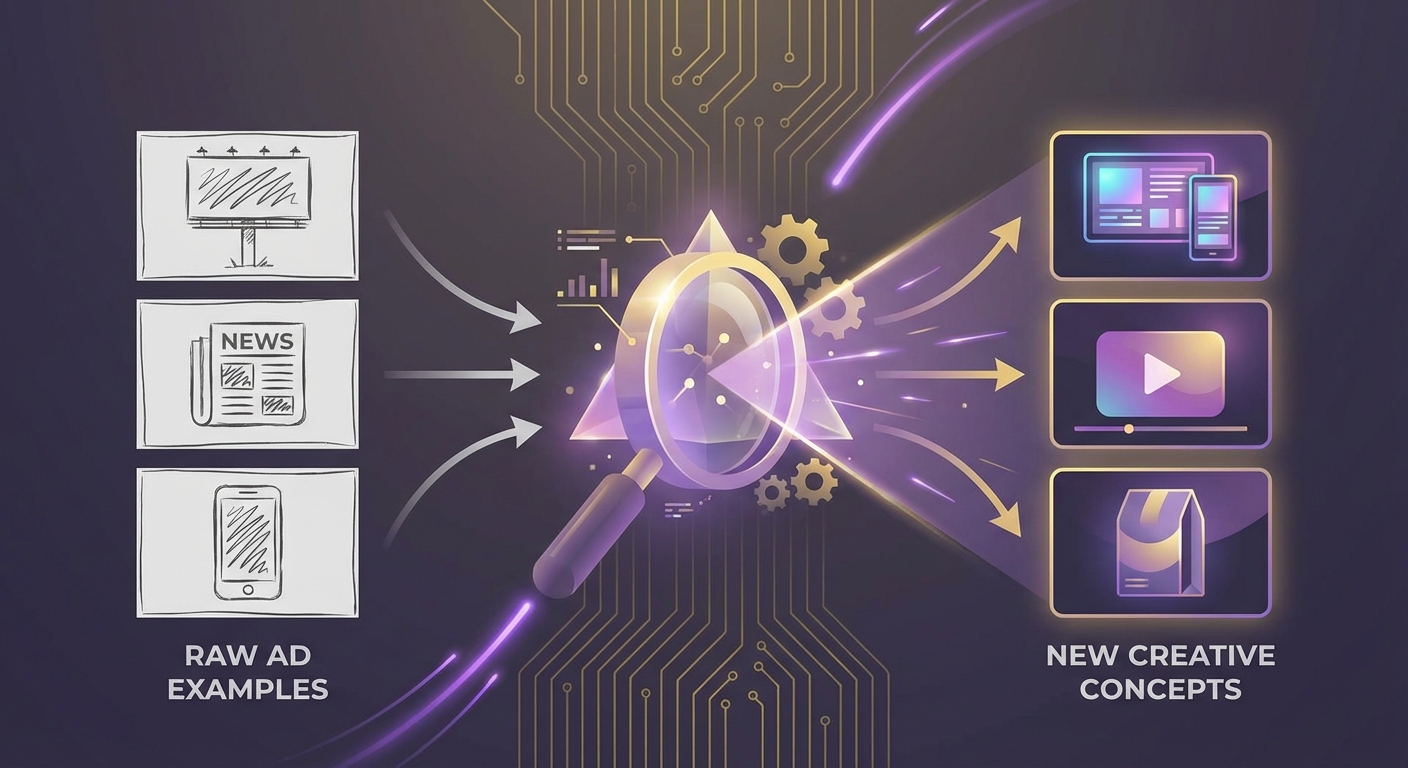 The real value of a swipe file is not copying — it is extracting patterns that produce winners.
Critical rule: Inspire, never copy. A swipe file teaches you what works. It does not give you permission to duplicate competitor creatives. Extract the principle (hook type, format, offer structure) and apply it with your own messaging, visuals, and brand voice.
FAQ
How many ads should be in a Facebook swipe file?
Quality matters more than quantity. A well-organized swipe file with 50-100 high-quality examples organized by hook type, format, and niche is more useful than 1,000 unsorted screenshots. Focus on ads with proven longevity (14+ days active) as these represent validated winners.
What is the best tool for building an ad swipe file?
For manual collection, Notion or Airtable work well for organizing and tagging. For automated collection with searchability, Adligator's bookmarking and collections feature lets you save and categorize ads directly from search results, with built-in filters for format, niche, and longevity.
How often should I update my swipe file?
Add new examples during your weekly competitor monitoring session. Review and prune quarterly — remove outdated ads and update category tags. A swipe file that is not regularly maintained becomes a graveyard of irrelevant screenshots.
Should I save ads from competitors outside my niche?
Yes — selectively. Some of the best creative inspiration comes from adjacent industries. A hook technique that works in fitness might be revolutionary in SaaS. Save cross-niche examples in a separate "cross-pollination" collection and review them when brainstorming new approaches.
Conclusion
A Facebook ad swipe file is not a screenshot folder — it is a creative intelligence system. The difference between a file that improves your ROAS and one that collects dust comes down to three things: what you save (the seven elements), how you organize it (searchable categories), and what you extract from it (patterns that drive creative briefs).
Start with a simple Notion database or Adligator collections. Save 10 high-quality examples this week with full metadata. Review them at the end of the month for patterns. Brief one new creative based on what you find. Measure the result. That single loop will teach you more about competitive intelligence than reading another ten swipe file articles.
Ready to apply this workflow? Automate your swipe file — try Adligator free
Browse thousands of competitor creatives organized by vertical and format
Related Reading
- AI-Generated Ad Creatives on Facebook in 2026: How to Identify, Analyze, and Outperform Them Using Spy Tools
- Facebook Ad Format Analysis: What Spy Tools Reveal About Carousel vs Video vs Static Performance in 2026
- How to Localize Facebook Ad Creatives for Different GEOs: A Media Buyer's Playbook
- Copying Competitor Facebook Ads Is Quietly Killing Your ROAS — Here's What to Do Instead
