Influencer Whitelisting for Facebook Ads: How to Run Paid Campaigns Through Creator Accounts in 2026
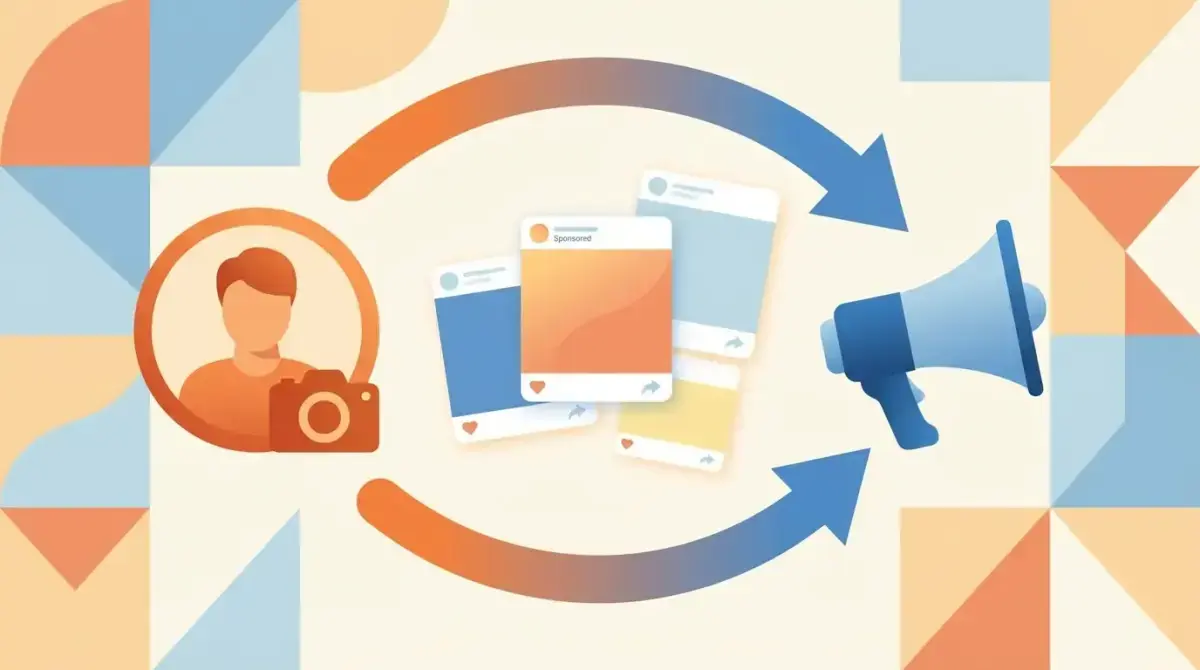
Influencer whitelisting for Facebook Ads — now officially called Partnership Ads by Meta — is one of the most effective tactics in modern media buying. Instead of running ads from your brand account, you run paid campaigns through a creator's profile. The ad carries the influencer's name and profile picture, combining organic trust with paid targeting precision.
The results speak for themselves: whitelisted influencer ads consistently outperform brand-account ads on CTR and conversion rate, often by 20–50%. The reason is simple — people trust people more than they trust brands. A product recommendation from a real person in their feed converts better than a polished brand ad.
Yet most media buyers either skip this tactic entirely or set it up incorrectly. This guide covers the complete process: how whitelisting works technically, step-by-step setup, creative best practices, performance optimization, and how to research what your competitors are doing with influencer ads.
How Partnership Ads Work: The Technical Foundation
Partnership Ads (formerly Branded Content Ads) allow a brand to create and run paid advertisements using a creator's identity. Here is what happens technically:
- Creator grants access — The influencer gives your business permission to run ads using their account through Meta Business Suite.
- Brand creates the ad — You build the ad in Ads Manager, selecting the creator's page/account as the identity.
- Ad runs under creator's name — The ad appears in feeds with the influencer's profile picture and name, tagged "Sponsored" and "Paid partnership."
- Brand controls everything — Targeting, budget, placement, optimization — all managed by you in Ads Manager.
- Both parties see results — The creator can view engagement metrics, you see full ad performance data.
Key distinction: This is different from boosting a creator's organic post. With Partnership Ads, you create the ad from scratch (or use the creator's content) and have full control over targeting and optimization. Boosted posts have limited targeting options and optimization capabilities.
Step-by-Step: Setting Up Partnership Ads
Prerequisites
Before you start, ensure:
- You have a Meta Business Manager account
- Your Facebook Ad Account is in good standing
- The creator has a Professional (Business or Creator) Instagram account or a Facebook Page
- You have agreed on content rights and usage terms with the creator
Step 1: Creator Grants Partnership Ad Permission
On Instagram:
- Creator goes to Settings → Business → Branded Content
- Enables "Allow brand partners to promote"
- Searches for and approves your Business Manager
On Facebook:
- Creator goes to their Facebook Page Settings
- Navigates to Branded Content → Ad Permissions
- Approves your Business Manager
Alternative (Meta Business Suite):
- Creator opens Meta Business Suite
- Goes to Monetization → Branded Content
- Adds your Business Manager as an approved partner
Step 2: Confirm Access in Your Ads Manager
- Open Ads Manager → Create new campaign
- At the ad level, click "Partnership ad"
- You should see the creator's account listed under available identities
- If not visible, ask the creator to re-check their permissions
Step 3: Create the Ad
- Select the creator's identity as the ad's primary identity
- Upload the creative (can be creator-provided content or brand-produced content)
- Write ad copy that matches the creator's voice (critical for performance)
- Set up your targeting, budget, and optimization as normal
- Submit for review
Step 4: Launch and Monitor
Partnership Ads go through standard Meta review. Once approved:
- Monitor performance in Ads Manager as usual
- Share results with the creator per your agreement
- Test multiple creative variations using the same creator identity
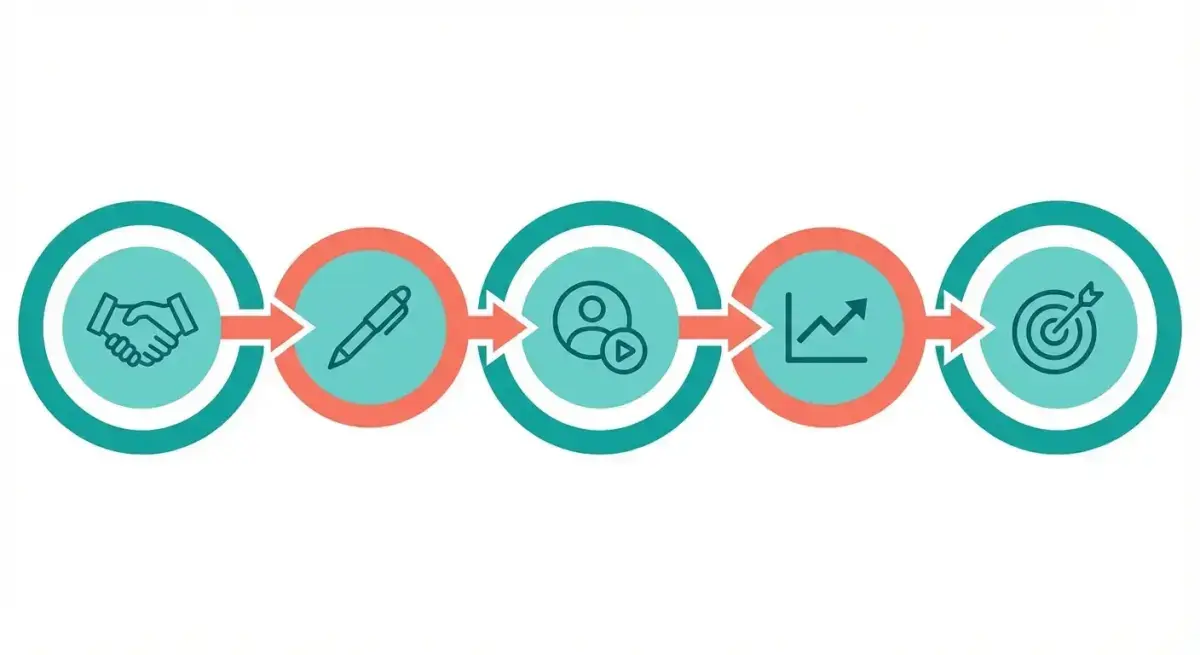 The whitelisting workflow from creator access to campaign optimization.
Creative Best Practices for Partnership Ads
The creative approach for whitelisted ads differs significantly from standard brand ads. Here is what works:
Match the Creator's Voice
The ad runs under the creator's name. If the copy sounds like corporate marketing, the disconnect kills performance. Write as the creator would write:
- Use first person ("I've been using..." not "Our product...")
- Match their tone (casual, technical, enthusiastic — whatever their brand is)
- Reference their specific experience with the product
UGC-Style Content Outperforms Polished Production
Partnership Ads perform best with content that looks native to the feed:
- Phone-shot video testimonials
- Unboxing or first-impression clips
- "Day in my life" format featuring the product
- Before/after demonstrations
- Screen recordings for software/app products
Avoid over-produced content. The whole point of whitelisting is authenticity — polished studio ads undermine that.
Hook Within 3 Seconds
In Reels and Stories placements (where most Partnership Ads perform best):
- Open with a bold claim or surprising statement
- Show the product immediately — do not build up
- Use movement and close-ups to stop the scroll
- Text overlays for sound-off viewing
CTA Strategy
- Mid-video CTA: Creator mentions the product and how to get it
- End CTA: Direct call to action with link
- Caption CTA: Link in bio or "tap to shop" language
- Keep it conversational, not pushy — "I genuinely think you should try this" beats "BUY NOW"
Performance Optimization
A/B Test Creator Identities
If working with multiple influencers, test each as a separate ad set with the same creative angle. You will often find that audience-creator fit matters more than follower count. A micro-influencer (10K–100K followers) in a tight niche can outperform a mega-influencer for conversion-focused campaigns.
Layer with Lookalike Audiences
Create Lookalike Audiences from the creator's engaged followers:
- Build a Custom Audience from people who engaged with the creator's content
- Create a 1% Lookalike from that audience
- Target the LAL with the whitelisted ad
This combines the creator's trust signal with algorithmically similar audience targeting — a powerful combination.
Retarget Video Viewers
Partnership Ads in video format generate engagement audiences:
- Build a Custom Audience of people who watched 50%+ of the creator's video ad
- Retarget them with a direct-response ad (can be brand-account or another creator ad)
- This warm audience already has social proof from the creator — conversion rates spike
Monitor Frequency Carefully
Creator content fatigues faster than brand content because users associate it with a specific person. Keep frequency below 3 for cold audiences and refresh creative every 2–3 weeks.
Researching Competitor Influencer Ad Strategies
Before investing in Partnership Ads, study what competitors are already doing. This prevents you from repeating their mistakes and helps you identify successful creator-brand pairings in your niche.
What to Look For
- Which creators are competitors partnering with? Look for "Paid partnership" tags on competitor ads.
- What creative formats work? Video testimonial, product demo, lifestyle integration?
- How long have the ads been running? Longevity signals profitability — a whitelisted ad running 14+ days is working.
- What messaging angles are used? Problem-solution, social proof, before/after, comparison?
Using Adligator for Influencer Ad Research
Adligator makes this research fast and systematic:
- Search by competitor brand name to find all their active ads, including Partnership Ads
- Filter by days active to identify which influencer partnerships are performing (long-running = profitable)
- Analyze ad format to see if video or image creator content dominates your niche
- Track competitors over time with live filter trackers to spot new influencer partnerships as they launch
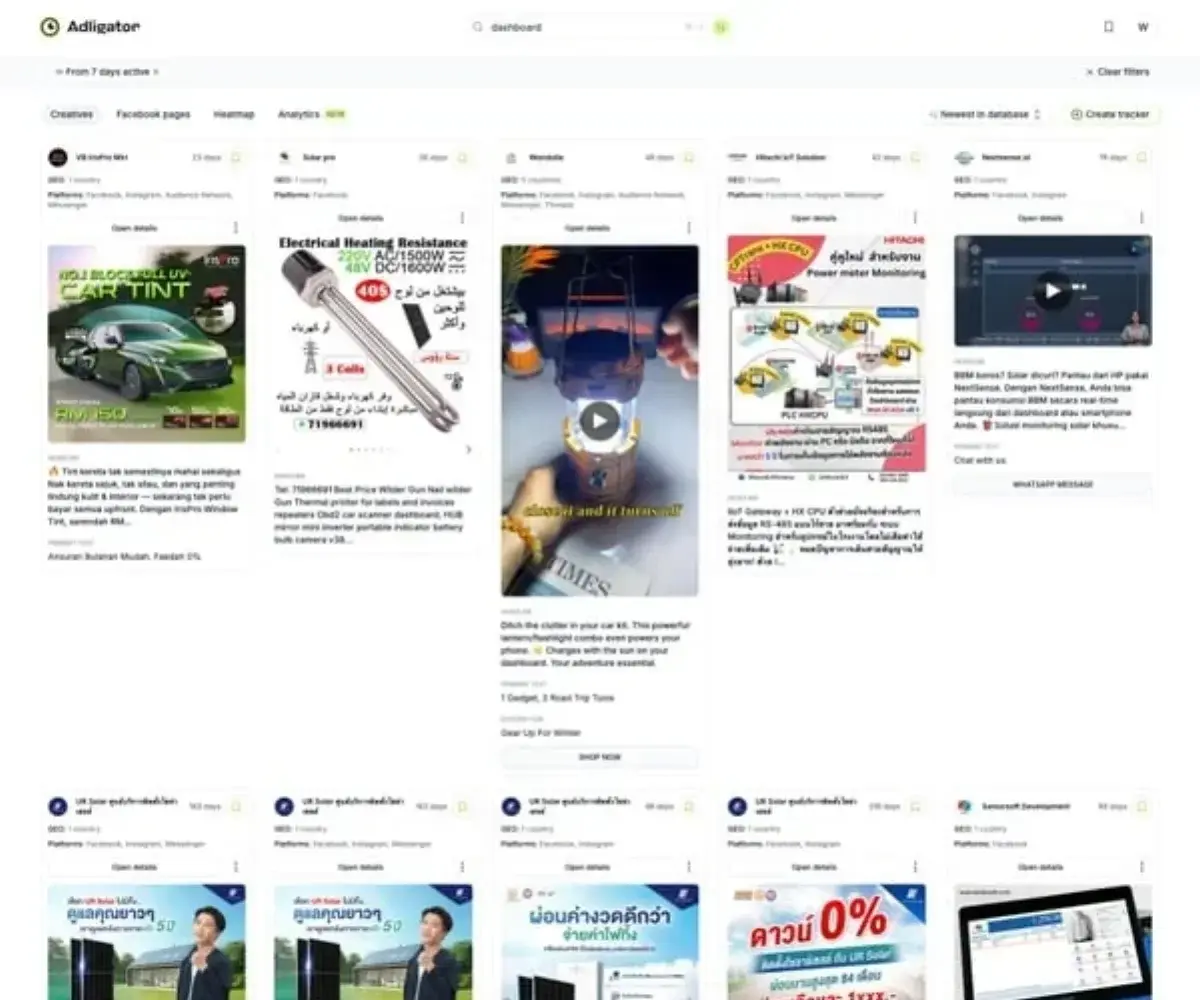 Use Adligator to research how competitors structure their influencer ad campaigns.
Want to see which influencer partnerships your competitors are running? Try Adligator Free — See How Competitors Use Influencer Ads
Common Whitelisting Mistakes
Mistake 1: Not Defining Content Rights Upfront
Agree in writing on: usage duration, platforms, paid amplification rights, exclusivity, and content ownership. Disputes kill partnerships and waste ad spend.
Mistake 2: Running Whitelisted Ads with Brand Voice
If the ad sounds like your brand wrote it, the trust advantage disappears. Let the creator write (or at minimum, approve) all ad copy.
Mistake 3: Only Using Mega-Influencers
Micro-influencers (10K–100K) and nano-influencers (1K–10K) often deliver better CPAs. Their audiences are more engaged and their content feels more authentic.
Mistake 4: No A/B Testing Against Brand Ads
Always run a head-to-head test: same creative angle, same targeting, one from brand account and one from creator account. Measure the actual lift before scaling.
Mistake 5: Ignoring Placement Optimization
Partnership Ads perform differently across placements. Reels and Stories typically outperform Feed for creator content. Test placements separately, especially for video formats.
Mistake 6: Skipping Competitor Research
Before you pick an influencer, check what competitors are doing. If they have been running a specific creator partnership for months, that combination works — and you may want to target similar (not the same) creators.
Partnership Ads Checklist
- Creator has Professional account (Instagram) or Facebook Page
- Partnership ad permissions granted through Meta Business Suite
- Content rights agreement signed (usage, duration, exclusivity)
- Ad copy written in creator's voice, not brand voice
- UGC-style creative prepared (not over-produced)
- A/B test planned: creator identity vs. brand identity
- Targeting set up (LAL from creator's engaged audience if available)
- Retargeting audience planned (video viewers, engagers)
- Competitor influencer ad research completed
- Frequency cap and creative refresh schedule set
FAQ
What is influencer whitelisting on Facebook Ads?
Influencer whitelisting (now called Partnership Ads) allows brands to run paid ads through a creator's Facebook or Instagram account. The ad appears as if posted by the influencer but is controlled, targeted, and optimized by the brand's Ads Manager. This combines the trust of influencer content with the targeting power of paid media.
Do influencers need a business account for whitelisting?
Yes. On Instagram, the creator needs a Professional (Business or Creator) account. On Facebook, they need a Facebook Page. The creator must also grant partnership ad permissions through Meta Business Suite or directly through Instagram's branded content settings.
How much do whitelisted influencer ads cost compared to regular ads?
CPMs for whitelisted ads are typically comparable to regular ads, but CTR and conversion rates are often 20–50% higher due to the social proof of running through a real creator account. The additional cost is the influencer fee, which varies widely ($500–$50,000+ depending on audience size and niche).
Conclusion
Influencer whitelisting for Facebook Ads is one of the highest-ROI tactics available to media buyers in 2026. It combines organic trust with paid precision — the creator's face and voice for authenticity, your Ads Manager for targeting and optimization.
Start with micro-influencers in your niche. Set up Partnership Ads properly (permissions, content rights, voice matching). Test whitelisted ads against brand-account ads to measure the actual lift. And research competitor influencer strategies to identify proven creator-brand combinations before investing.
Ready to see what influencer strategies your competitors use? Try Adligator Free — See How Competitors Use Influencer Ads
Research Competitor Influencer Campaigns
Related Reading
- How to Use Ad Spy Tools for eCommerce: Find Winning Products and Scale Facebook Campaigns Faster
- Facebook Ad Policy Compliance: How to Audit Competitor Ads and Protect Your Accounts
- Facebook Ad Spy for SaaS and B2B: How to Research Competitor Campaigns Beyond Ecommerce
- Facebook Ads Case Study Breakdown: 5 Real Campaigns Analyzed — What Worked, What Failed, and Why (2026)
