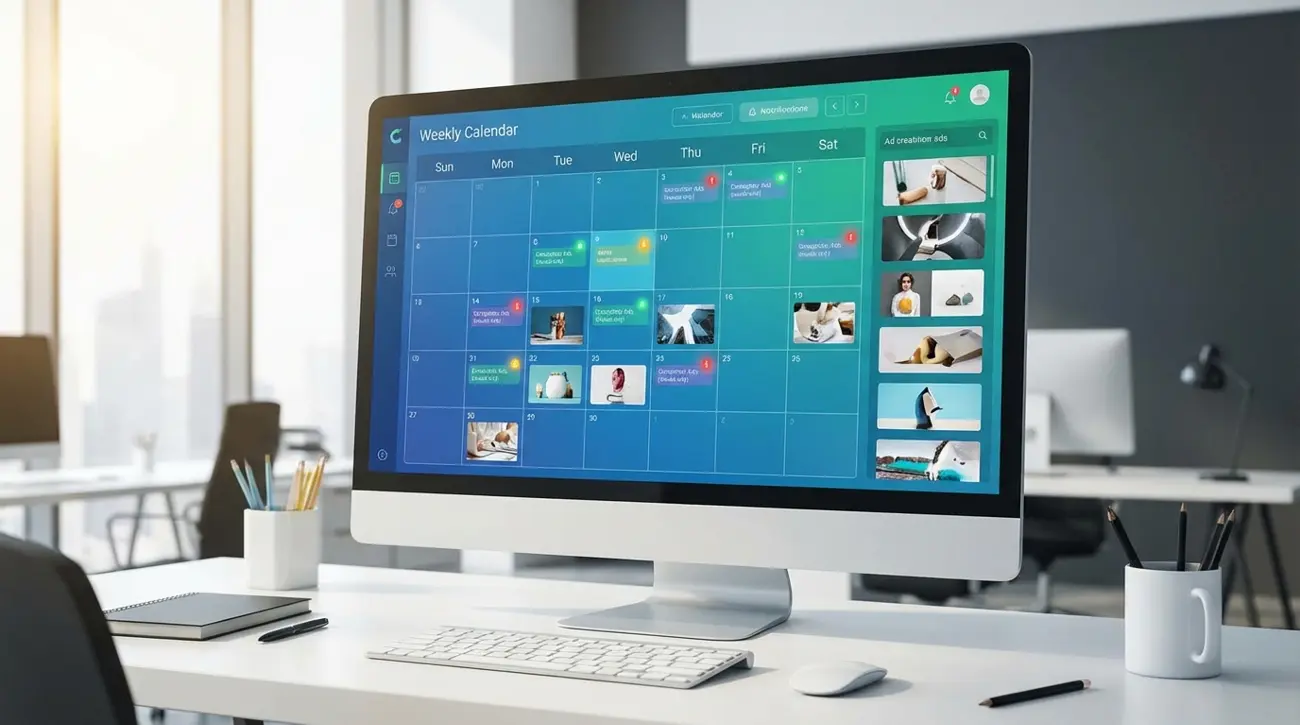
How to Build a Weekly Competitor Ad Monitoring System That Actually Scales
Every media buyer knows they should monitor competitor ads. Few actually do it consistently. The reason is not laziness — it is the lack of a repeatable system. Without a structured competitor ad monitoring system, monitoring degrades from "weekly check" to "whenever I remember" to "I stopped months ago."
This guide gives you a plug-and-play weekly monitoring workflow that takes 30 minutes, scales from solo practitioner to agency team, and uses automation to reduce manual work over time. Whether you track competitor Facebook ads manually or use intelligence tools, this system will make your monitoring consistent, actionable, and sustainable.
The goal is not to watch everything competitors do — it is to detect the signals that matter for your campaigns and act on them before your competition does.
Why Manual Competitor Checking Doesn't Scale
Let us be honest about how most people monitor competitors today.
The typical workflow looks like this: open Meta Ad Library, search for a competitor's page name, scroll through their active ads, take some screenshots, maybe paste them into a Slack channel or Google Doc. Repeat for 3-5 competitors. Duration: 45-90 minutes. Frequency: "weekly" (actually bi-weekly at best, then monthly, then never).
This manual approach breaks down for several predictable reasons:
Time compound effect. Each competitor takes 10-15 minutes to review manually. At 10 competitors, you are looking at 2+ hours every week. That is 8 hours per month of repetitive work that produces no revenue directly.
No change detection. When you browse Meta Ad Library, you see current ads — not what changed since your last visit. You cannot tell which creatives are new, which were paused, or which landing pages were updated. You are staring at a snapshot with no timeline.
No alerting. Manual browsing is pull-based. You have to remember to check. There is no notification when a competitor launches a significant new campaign, tests a new creative angle, or enters a new market.
Scale ceiling. Manual monitoring works for 3-5 competitors. At 10+, it collapses under its own weight. Most media buyers manage competitive sets of 10-20 brands — far beyond what manual review can sustain.
No historical record. Screenshots in a Google Drive folder are not competitive intelligence. Without structured tracking, you lose context on when changes happened, what the previous version looked like, and how the competitor's strategy evolves over time.
The solution is not "try harder." It is building a system that turns competitor monitoring from an ad-hoc activity into an automated, structured process.
Think of it this way: you would never run campaigns without tracking conversions. Yet most teams run campaigns without systematically tracking what competitors are doing. The competitor ad tracking workflow you build today becomes the foundation for smarter campaign decisions every week going forward.
Define Your Competitive Set (5-15 Brands)
Before building your monitoring system, define exactly who you are monitoring and why. Not every competitor deserves the same level of attention.
Tier 1: Direct competitors (3-5 brands) These are businesses selling similar products to similar audiences at similar price points. You compete for the same customers. Monitor these closely — weekly, with full creative and funnel tracking.
Tier 2: Aspirational competitors (2-3 brands) Market leaders or brands you want to emulate. They likely have bigger budgets and more sophisticated campaigns. Monitor for strategy inspiration — creative angles, funnel structures, seasonal patterns.
Tier 3: Adjacent competitors (3-5 brands) Companies in related niches who target overlapping audiences. They might not sell the same product but compete for the same attention. Monitor for creative trends and audience insights.
Tier 4: Emerging threats (2-3 brands) New entrants or fast-growing brands that could become direct competitors. Monitor less frequently (monthly) but track growth signals like ad volume increases and geographic expansion.
How to identify your competitive set:
- Search your primary keywords on Meta Ad Library — who is advertising?
- Use an ad spy tool to search your product category — who has the most active ads?
- Check who ranks for your target SEO keywords
- Ask your sales team who prospects mention as alternatives
- Review industry reports for market share data
Keep your total monitoring list between 5 and 15 brands. Fewer than 5 gives you insufficient market context. More than 15 creates noise that prevents action.
Pro tip: Create a simple spreadsheet listing each competitor with their Facebook page ID, primary product category, estimated monthly ad volume, and your monitoring tier assignment. This becomes your competitive set document — the foundation that every other part of the system references. Update it quarterly as competitors enter and exit your market.
Choose Your Monitoring Stack
Your monitoring stack determines how efficiently you can execute the weekly workflow. Here are three stack configurations for different budgets and needs.
Stack 1: Free / Manual ($0/month)
- Meta Ad Library for ad browsing
- Google Sheets for tracking
- Google Drive for screenshot storage
- Calendar reminder for weekly check
- Best for: Solo practitioners with 3-5 competitors and limited budget
- Limitation: No automation, no alerts, no change detection
Stack 2: Specialist Tool ($32-65/month)
- Adligator for Meta ad intelligence with saved search trackers
- Google Sheets or Notion for analysis documentation
- Slack or email for team sharing
- Best for: Solo buyers and small teams focused on Meta ads
- Advantage: Live filter trackers automate new ad detection; domain/URL filters reveal funnel patterns; 234-country coverage for international monitoring
Stack 3: Full Intelligence Suite ($100-300+/month)
- Adligator for Meta-specific depth + a multi-platform tool for TikTok/YouTube
- SimilarWeb or SEMrush for traffic and SEO monitoring
- Visualping for landing page change detection
- Notion or Airtable for structured competitive intelligence database
- Best for: Agencies and teams managing multiple channels
- Advantage: Complete competitive picture across platforms and touchpoints
For most performance marketers running Meta campaigns, Stack 2 provides the best balance of capability and cost. Adligator's live filter trackers replace hours of manual Ad Library browsing with automated detection — you set up your competitor and keyword monitors once and review the results weekly.
The Weekly Monitoring Checklist (30-Minute Workflow)
Here is the exact weekly workflow, time-boxed to 30 minutes. Do this every Monday morning (or whatever day anchors your weekly planning).
Minutes 0-5: Review tracker alerts Check your saved search trackers in Adligator (or your monitoring tool) for new matches since last week. Flag any significant new creatives, new advertisers, or new geographic expansions.
Minutes 5-15: Tier 1 competitor deep-dive For each of your 3-5 direct competitors:
- How many new ads launched this week?
- Any new creative formats? (Video, carousel, static shifts)
- Any new messaging angles or offers?
- Any new landing page destinations?
- Any ads stopped that were running long-term? (Signal of fatigue or strategy shift)
Minutes 15-22: Trend scan Look at your keyword and niche trackers for broader market patterns:
- Are new advertisers entering your space?
- Are certain creative styles trending up?
- Any seasonal themes appearing?
- Trending searches on the Adligator homepage can signal market shifts.
Minutes 22-28: Document and prioritize In your tracking spreadsheet or Notion database, log:
- Top 3 creative observations of the week
- Any new threats or opportunities identified
- Action items for your own campaigns (e.g., "Test video format like Competitor X")
- Screenshot or bookmark the most noteworthy creatives
Minutes 28-30: Share and assign If you work in a team, post a quick summary to your Slack channel or team doc. Assign any action items (e.g., "Creative team: draft a carousel similar to Competitor Y's new approach").
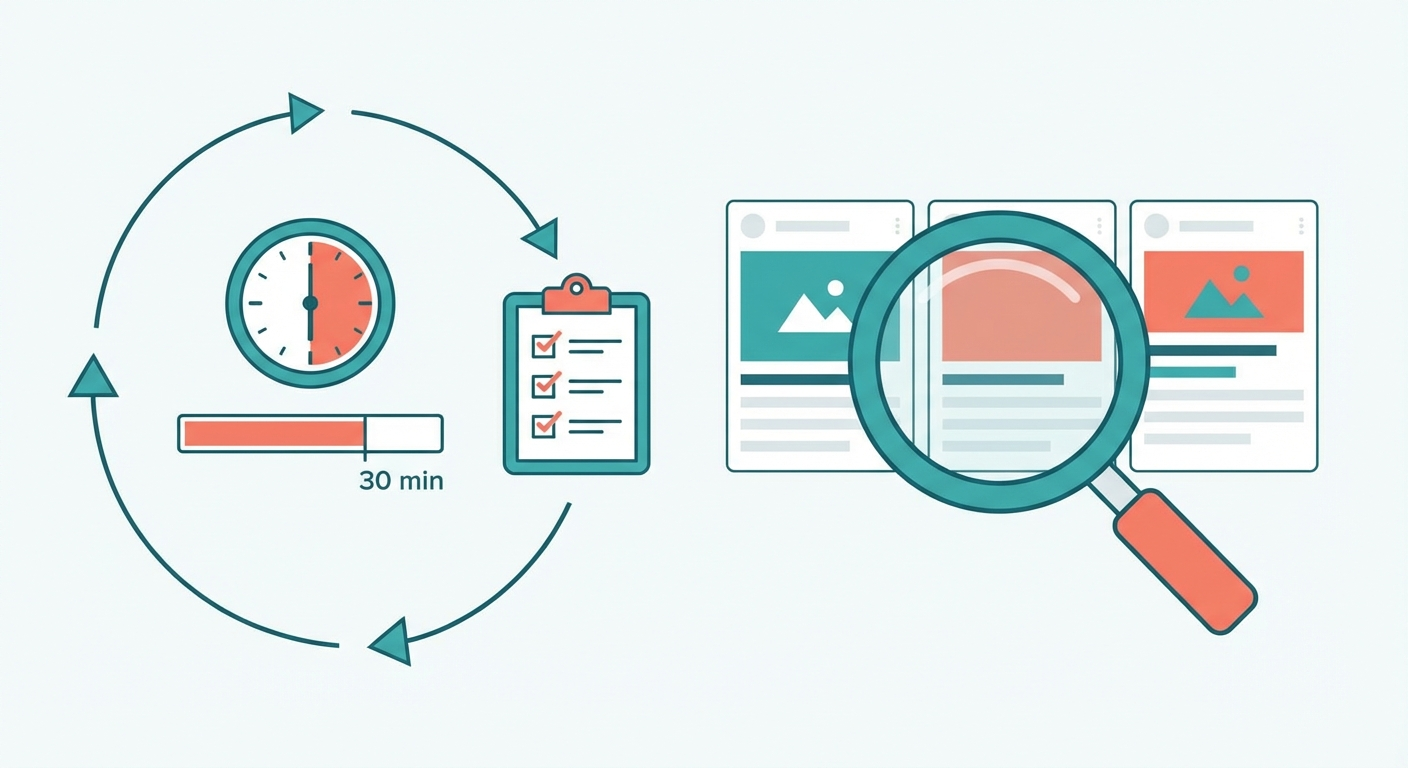 A structured 30-minute workflow keeps competitor monitoring consistent and efficient.
Automate your competitor monitoring — try Adligator free
What to Track: Creative Changes, New Offers, Format Shifts
Not all competitor activity is worth tracking. Focus on signals that directly impact your campaign decisions.
High-value signals (always track):
- New creative angles or messaging themes
- Offer changes (pricing, discounts, bundles)
- Format shifts (image → video, static → carousel)
- Landing page changes (new URLs, new offers)
- Geographic expansion or contraction (new countries added/removed)
- Significant ad longevity changes (a new ad running 30+ days = validated winner)
Medium-value signals (track weekly):
- Ad volume changes (competitor ramping up or down spend signals)
- CTA button changes (Learn More → Shop Now = bottom-funnel push)
- Platform distribution shifts (Facebook → Instagram emphasis)
- New Facebook pages appearing for the same brand (testing segmented pages)
Low-value signals (track monthly):
- Minor copy variations (A/B test noise)
- Seasonal messaging expected for the time of year
- Third-party press or PR mentions (relevant but not urgent)
How to detect these signals efficiently:
Using Adligator's filters:
- Days active filter: Set to "1-7 days" to see only new ads from the past week
- GEO count filter: Look for ads with expanding country counts — a scaling signal
- CTA button filter: Filter by specific button types to track bottom-funnel activity
- Last seen active filter: Identify recently paused ads that might indicate strategy shifts
- Duplicate detection: Rising ad counts using the same creative means the competitor is scaling
Building your signal dashboard:
Consider creating a simple weekly scorecard that tracks these signals across your competitive set. A Google Sheet with competitors as rows and signal types as columns lets you spot patterns at a glance. After 4-6 weeks, you will start seeing which competitors test aggressively, which scale methodically, and which stagnate — each pattern informs a different strategic response.
Rate each signal on a 1-3 urgency scale:
- 3 (Act now): Competitor launched a direct response to your campaign, entered your primary market, or dramatically changed pricing
- 2 (Plan response): New creative angle gaining traction, format shift showing engagement, new market expansion
- 1 (Log and watch): Minor copy variations, expected seasonal changes, A/B test noise
How to Organize and Act on Your Findings
Monitoring without action is just watching. Your system needs a clear path from observation to campaign decision.
The O-A-I framework (Observe → Analyze → Implement):
Observe: Log raw observations from your weekly check. "Competitor X launched 5 new video ads with UGC-style format."
Analyze: Add context. "This is a shift from their previous polished studio creative. They may be testing authenticity-driven messaging. Three of the five ads target Germany (new market for them)."
Implement: Create specific action items. "Brief creative team on UGC-style video concepts for our hero product. Test Germany as a new target market next sprint."
Recommended tracking structure (Google Sheets or Notion):
Columns:
- Date observed
- Competitor name
- Signal type (new creative, offer change, format shift, etc.)
- Description
- Evidence (screenshot or link)
- Analysis / interpretation
- Action item
- Action owner
- Status (pending, in progress, completed, skipped)
Review the action items column at the start of each weekly session. Did last week's insights lead to campaign changes? If not, why not? A monitoring system that generates insights but no actions is a time sink, not a competitive advantage.
Automating Alerts and Notifications
The goal of automation is to reduce the time between a competitor making a change and you knowing about it.
Adligator live filter trackers: The most direct automation for Meta ad monitoring. Save a search configuration (competitor keyword + filters) as a tracker. Adligator monitors for new matches and surfaces them in your tracker feed. Pro plan includes 7 trackers; Team includes 14.
Recommended tracker setup:
- One tracker per Tier 1 competitor (by Facebook page ID)
- One tracker per primary product keyword
- One tracker for your brand name (monitor who mentions you)
- One tracker for trending niche terms
Email alerts (complementary):
- Set up Google Alerts for competitor brand names
- Use Visualping for landing page change notifications
- Configure SimilarWeb alerts for traffic changes (paid feature)
Slack integration (for teams): Create a #competitive-intel Slack channel. Post weekly summaries and forward any urgent alerts. This creates a searchable archive and keeps the whole team informed without requiring everyone to run their own monitoring.
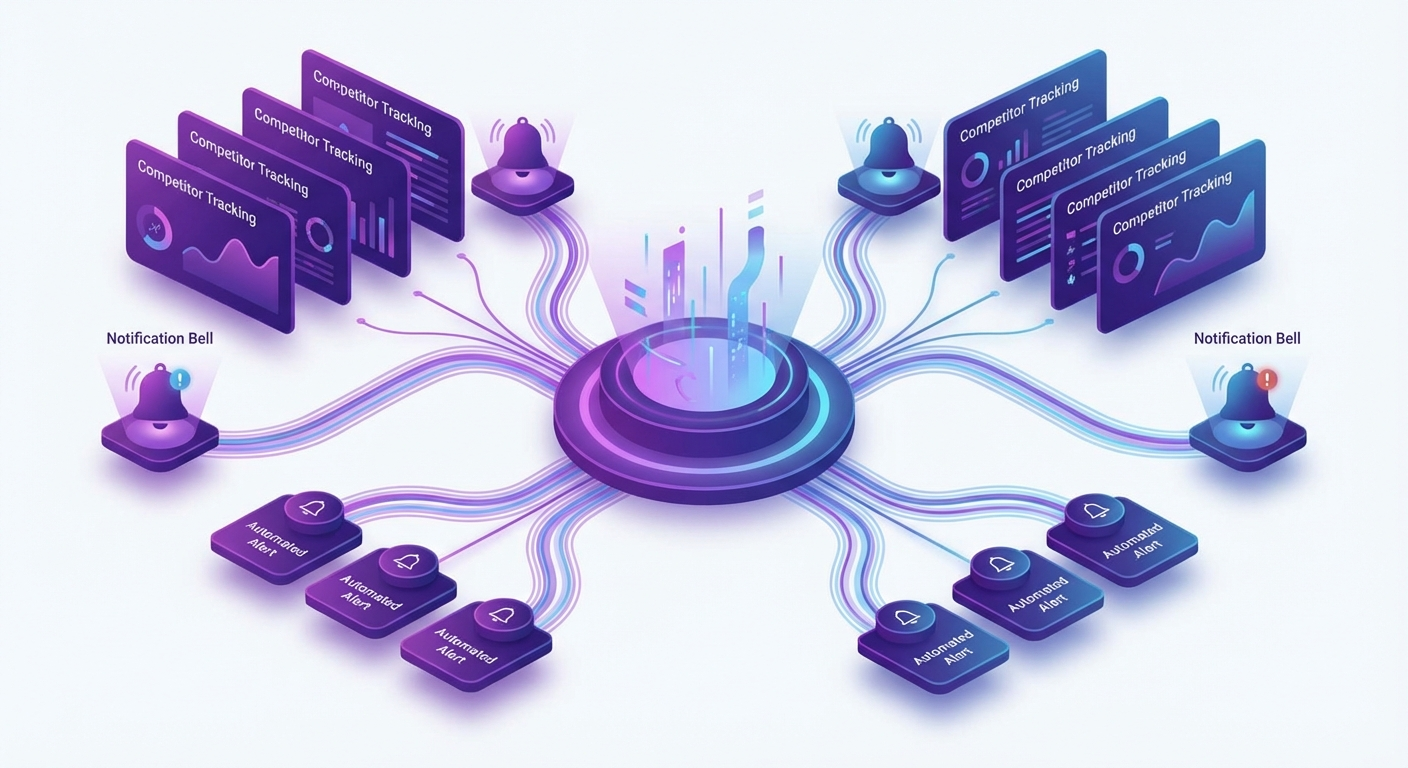 Automation turns monitoring from active work into passive intelligence.
Stop manual Ad Library browsing. Start with Adligator
Scaling from Solo to Team Monitoring
A monitoring system built for one person often breaks when a second person joins. Build for scale from the start with these principles.
Solo practitioner (1 person):
- Own the entire workflow
- Keep tracking in a personal spreadsheet or Notion database
- Use 5-7 trackers for primary competitors and keywords
- Time investment: 30 minutes/week
Small team (2-4 people):
- Assign competitor coverage: each person owns 3-5 brands
- Share a central tracking database (Notion or Airtable)
- Rotate the "weekly summary" responsibility
- Use a shared Slack channel for real-time finds
- Time investment per person: 15-20 minutes/week (work is distributed)
Agency team (5+ people):
- Dedicate one person as Competitive Intelligence lead
- Use Team-tier tools for higher tracker limits (14 trackers on Adligator Team)
- Build client-facing competitive reports from the shared database
- Create SOP documents for monitoring workflows
- Integrate findings into weekly campaign planning meetings
- Time investment: CI lead 2 hours/week; team members 10 minutes/week for review
Key scaling principle: The system should require less time per person as the team grows, not more. This happens when you centralize the intelligence database, distribute monitoring responsibility, and automate detection with trackers and alerts.
 The right system scales from solo buyer to agency team without breaking.
FAQ
How many competitors should I monitor weekly?
Start with 5-8 direct competitors for a focused monitoring system. As your process matures, expand to 10-15 including indirect competitors and market leaders. Going beyond 15 creates noise that dilutes actionable insights — use automated trackers to handle scale.
How long should a weekly competitor ad monitoring session take?
A well-structured weekly monitoring session should take 30-45 minutes with proper tooling. The first few weeks may take longer as you build your baseline. With automated alerts and saved search trackers, active monitoring time decreases further.
What is the best tool for automated competitor ad monitoring?
For Meta/Facebook ads, Adligator's live filter trackers provide automated monitoring — save a search and get new matches surfaced automatically. For multi-platform monitoring, combine a Meta-specialist tool with platform-specific trackers. Manual approaches using Meta Ad Library work for 1-3 competitors but break beyond that.
Should I monitor competitor ads daily or weekly?
Weekly is sufficient for most businesses. Daily monitoring is only necessary during high-stakes periods like product launches, seasonal peaks, or when you detect a competitor making aggressive moves. Automated trackers handle the "always on" monitoring between your weekly deep-dives.
What should I do when I spot a competitor testing something new?
Do not react immediately to every competitor move. Log the observation, assess whether it aligns with a pattern (are they shifting strategy or just A/B testing?), and decide if it warrants a test in your own campaigns. Most individual creative changes are noise — look for sustained patterns over 2-3 weeks before adjusting your strategy.
Conclusion
A competitor ad monitoring system is only valuable if it runs consistently. The system in this guide — a 30-minute weekly workflow with defined competitive tiers, structured tracking, and automated alerts — is designed to be sustainable over months and years, not just the first motivated week.
Start with your Tier 1 competitors and a basic tracking spreadsheet. Add automation as your process matures — saved search trackers replace manual browsing, team distribution replaces solo monitoring, and structured databases replace scattered screenshots.
The competitive advantage is not in having the most data. It is in consistently turning competitor signals into campaign actions faster than your competition turns your signals into theirs.
Ready to apply this workflow? Automate your competitor monitoring — try Adligator free
Stop manual Ad Library browsing. Start with Adligator.
Related Reading
- How to Spy on Competitors' Facebook Ads: A Repeatable Weekly Workflow for Media Buyers
- How to Use AI-Powered Ad Intelligence to Predict Winning Facebook Creatives Before You Spend
- How to Build a Competitive Ad Intelligence Dashboard: Automated Reporting for Media Buying Teams
- Competitor Landing Page & Funnel Analysis: How to Decode Facebook Ad Funnels
