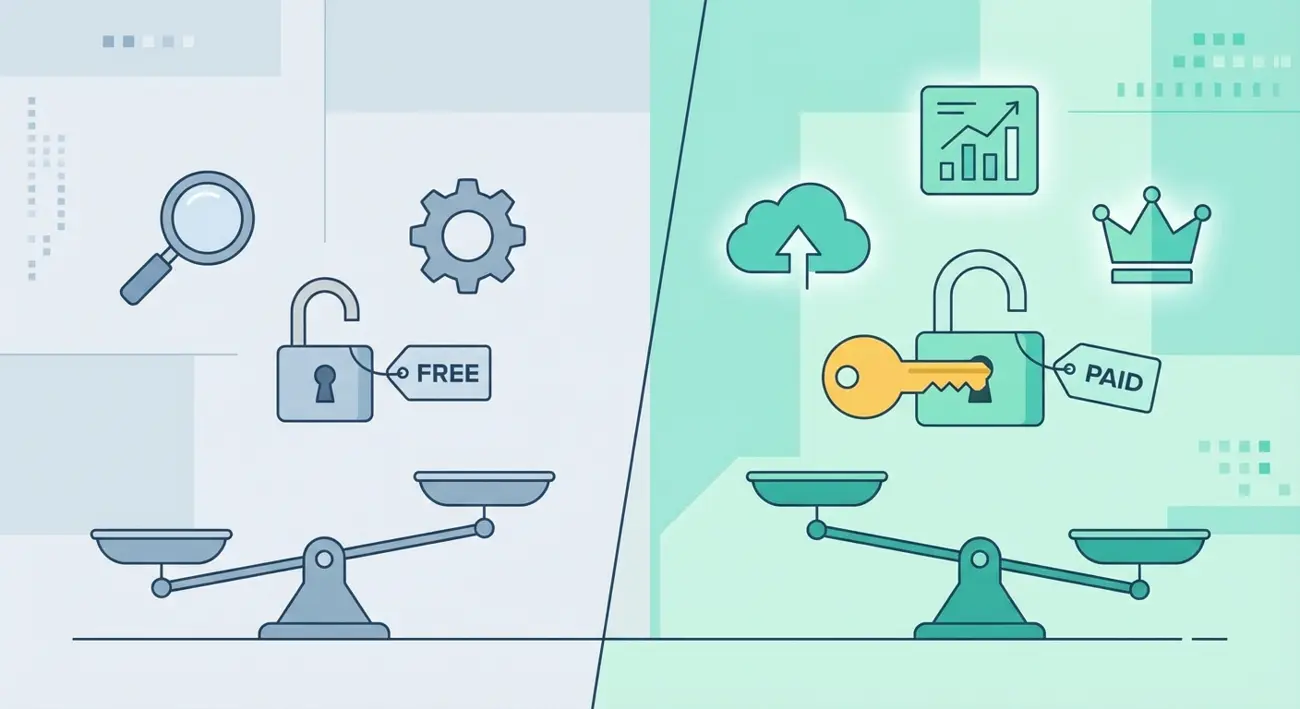
Free vs Paid Ad Spy Tools: What You Actually Get and When to Upgrade
Every media buyer starts the same way: searching for "free ad spy tools" and wondering if paid versions are really worth the money. It's a reasonable question. Why pay $30-150/month when free options exist?
The honest answer: free ad spy tools are useful — but they have specific limitations that make them impractical for serious competitive research. Understanding exactly where free tools fall short helps you decide whether and when upgrading to a paid spy tool makes financial sense.
This guide compares free vs paid ad spy tools with actual feature breakdowns, current pricing, and a decision framework based on your team size and budget. No vague claims — just specifics about what each tier delivers.
The Real Cost of Free Ad Spy Tools
"Free" doesn't mean no cost. When you use free ad spy tools, you pay in three ways that aren't immediately obvious:
Time cost. Free tiers typically limit you to 3-10 searches per day. If you need to research 5 competitors across 3 verticals, you'll spend a week doing what a paid tool handles in an afternoon. At a media buyer's hourly rate, this time cost often exceeds the subscription price.
Opportunity cost. Without advanced filters (days active, CTA type, GEO coverage), you can't identify winning ads efficiently. You see everything — including test ads and failures — without the signals that separate winners from losers. This means your creative strategy is based on incomplete data.
Data quality cost. Free tiers often show ads with watermarks, at lower resolution, or with delayed data. Some free tools show sponsored ads within results, creating noise. The ads you save for creative briefs may not be usable for reference.
This doesn't mean free tools are worthless. For a solo freelancer doing occasional competitor checks, a free tier may be sufficient. But for anyone running ads professionally, the limitations compound fast.
What Free Tiers Actually Include (Tool by Tool)
Let's break down what the major ad spy tools actually offer for free in 2026:
Meta Ad Library (completely free)
- Unlimited searches on active ads
- Basic keyword and advertiser search
- GEO and category available for select regions
- Spend data available for EU advertisers only
- No format filter, no longevity data, no CTA filter
- No saved searches, no monitoring, no collections
Adligator (free tier)
- 5 searches per day
- Full filter access (GEO, format, CTA, language, platform, days active)
- 234 countries covered
- All ad formats visible
- No trackers or collections
- Standard resolution creatives
- Ads displayed in results
BigSpy (free tier)
- Limited daily searches (~5)
- Basic filters only
- Covers Facebook, Instagram, and other platforms
- Low-resolution previews on free tier
- Limited historical data
- Watermarked creatives
WinningHunter (free tier)
- Limited daily searches
- Basic search and filtering
- Focused on eCommerce/dropshipping ads
- Product-focused features (links to stores)
- Limited ad database access
Dropispy (free tier)
- Limited searches
- Focused on dropshipping ads
- Basic format and platform filters
- eCommerce-specific features
- Small database compared to multi-vertical tools
AdSpy (no free tier)
- No free tier available
- Starts at $149/month
- Large proprietary database
- Advanced filtering
The key takeaway: free tiers exist for most tools, but they're designed as samples, not as complete products. The filters, search limits, and data quality are intentionally restricted to encourage upgrading.
What You Unlock with Paid Plans
Paid ad spy tools aren't just "more searches." They unlock qualitatively different capabilities:
1. Advanced filtering that identifies winners. Paid plans give you filters like "Days Active" (find ads running 30+ days), CTA button type (55 types in Adligator), and display format (video, carousel, DPA, etc.). These filters are what separate intelligence from browsing.
2. Historical data and trend tracking. Free tools typically show only current ads. Paid plans often include historical databases, so you can see what competitors ran last month, last quarter, or last year. This is essential for seasonal research and strategy evolution tracking.
3. Automated monitoring. Paid tiers unlock saved searches, alerts, and live trackers. Instead of manually checking competitors every day, you set up a tracker once and get notified when new matching ads appear. Adligator Pro offers 7 trackers; Team offers 14.
4. Collections and organization. Save and categorize ads into collections for team sharing, creative briefs, and long-term reference. Free tiers typically don't allow saving.
5. High-resolution creatives. Paid plans deliver full-resolution images and video. For creative briefs, this matters — you can't reference a watermarked, pixelated screenshot.
6. No ads in results. Free tiers often show sponsored ads within the tool's search results. Paid plans remove these distractions.
7. Priority access. Many paid tools offer faster database updates and priority access to newly detected ads.
Feature Comparison Matrix: Free vs Paid
| Feature | Meta Ad Library | Adligator Free | Adligator Pro ($32/mo) | BigSpy Free | AdSpy ($149/mo) |
|---|---|---|---|---|---|
| Daily searches | Unlimited | 5 | 100 | ~5 | Unlimited |
| Days Active filter | ❌ | ✅ | ✅ | ❌ | ✅ |
| CTA button filter | ❌ | ✅ | ✅ | ❌ | ✅ |
| Format filter | ❌ | ✅ | ✅ | Basic | ✅ |
| GEO filter | Limited | ✅ (234 countries) | ✅ (234 countries) | Basic | ✅ |
| Language filter | ❌ | ✅ (50 languages) | ✅ (50 languages) | ❌ | ✅ |
| Historical data | Active only | Current | Full database | Limited | Full database |
| Saved searches/trackers | ❌ | ❌ | 7 trackers | ❌ | ❌ |
| Collections | ❌ | ❌ | ✅ | ❌ | ✅ |
| High-res creatives | ✅ | Standard | ✅ | Low-res | ✅ |
| No ads in results | ✅ | ❌ | ✅ | ❌ | ✅ |
| Export | ❌ | ❌ | ✅ | Limited | ✅ |
Start with Adligator free tier — upgrade only when you need to
Notice that Adligator's free tier is unique: it gives you access to all the same filters as the paid plans — just with a daily search limit. Most other free tiers restrict both searches AND filters.
When Free Is Enough: The Solo Beginner Profile
Free ad spy tools make sense if you match this profile:
- Solo freelancer or beginner media buyer learning competitive research
- Running ads for 1-2 clients or your own brand
- Doing occasional competitor checks (once or twice a week)
- Budget is genuinely constrained (pre-revenue or early stage)
- Research needs are basic: "what are my top 3 competitors running right now?"
Recommended free stack:
- Meta Ad Library — for unlimited browsing of current active ads
- Adligator free tier — for 5 filtered searches per day when you need days active, format, or GEO data
- A screenshot tool — to save ads you find (since free tiers don't include collections)
This combination gives you more capability than any single free tool alone. The Meta Ad Library handles volume; Adligator handles intelligence.
What you'll sacrifice:
- No monitoring (you have to manually check every time)
- No historical trends (only current snapshot)
- Limited research depth (5 filtered searches per day caps serious analysis)
- Time-intensive process (expect 2-3 hours/week vs 30 minutes with paid tools)
When to Upgrade: 5 Signs You Need Paid Tools
Watch for these signals — they mean free tools are costing you more than a subscription would:
1. You're hitting search limits before finishing research. If you routinely exhaust your 5 daily searches within 30 minutes, you need more capacity. The $32/month for 100 searches/day is cheaper than the time spent waiting for tomorrow's quota.
2. You need to track competitors over time. Free tools give snapshots. If you need to know "what changed in competitor X's strategy this month vs last month," you need saved searches and historical data. This is the most common upgrade trigger.
3. You're spending more time on workarounds than research. Screenshots, manual spreadsheets, bookmarked Ad Library searches — if you're building a DIY system to compensate for free tier limitations, the paid tool is the system.
4. Your ad spend exceeds $1,000/month. At this spend level, a $32/month spy tool that improves your creative strategy by even 5% pays for itself instantly. The ROI math is straightforward.
5. You're managing multiple clients or verticals. With 3+ clients, free tier limits become unworkable. You need trackers, collections, and the ability to context-switch between different competitive landscapes quickly.
ROI Calculator: Is a Paid Spy Tool Worth It?
Here's a simple framework for calculating whether a paid spy tool is worth it:
Time-based ROI:
Hours saved per month = (Manual research time) - (Tool-assisted research time)
Value of time saved = Hours saved × Your hourly rate
ROI = Value of time saved - Tool cost
Example:
- Manual research: 12 hours/month (3 hours/week × 4 weeks)
- With Adligator Pro: 4 hours/month (1 hour/week × 4 weeks)
- Hours saved: 8 hours/month
- Hourly rate: $50
- Value saved: $400/month
- Tool cost: $32/month
- Net ROI: $368/month (11.5x return)
Performance-based ROI: If better competitive intelligence improves your ad performance by just 5-10%, calculate the revenue impact against your monthly ad spend. On $5,000/month ad spend, a 5% improvement = $250/month in better returns — still far exceeding the tool cost.
The break-even point: If you spend more than ~40 minutes per month doing competitive research manually, Adligator Pro pays for itself in time savings alone.
Adligator Free vs Pro: What Changes
Since Adligator offers one of the most generous free tiers in the market, here's specifically what changes when you upgrade:
| Capability | Free | Pro ($32/mo) | Team ($65/mo) |
|---|---|---|---|
| Searches per day | 5 | 100 | 300 |
| All filters | ✅ | ✅ | ✅ |
| Live trackers | ❌ | 7 | 14 |
| Collections | ❌ | ✅ | ✅ |
| Hi-res creatives | Standard | ✅ | ✅ |
| No ads in results | ❌ | ✅ | ✅ |
| Priority new creatives | ❌ | ✅ | ✅ |
| Analytics tools | ❌ | ❌ | ✅ |
The upgrade path is clear: start free, use the filters to validate that the data is useful for your workflow, then upgrade to Pro when search limits or missing features become a bottleneck. No credit card required for the free tier.
Recommendation Matrix by Budget and Team Size
| Profile | Budget | Recommendation |
|---|---|---|
| Solo beginner | $0/mo | Meta Ad Library + Adligator free tier |
| Solo freelancer | $30-50/mo | Adligator Pro ($32/mo) |
| Small agency (2-5 people) | $50-100/mo | Adligator Team ($65/mo) |
| Medium agency | $100-200/mo | Adligator Team + Foreplay or Panoramata |
| Large agency | $200+/mo | Adligator Team + specialized vertical tools |
| Affiliate marketer | $30-50/mo | Adligator Pro ($32/mo) |
| eCommerce brand | $30-100/mo | Adligator Pro or Team (depending on team size) |
FAQ
Are free ad spy tools worth using?
Yes, but with clear limitations. Free tiers are excellent for learning how spy tools work and doing occasional research. However, they hit practical limits quickly: daily search caps (typically 3-10 searches), missing advanced filters, no saved searches or monitoring, and lower-resolution creatives. For regular competitive research, you'll outgrow free tiers within a week.
What are the limitations of free ad spy tools?
The most common limitations are: daily search limits (3-10 searches), no historical data access, missing advanced filters (days active, CTA type, GEO), no export or saving features, watermarked or low-resolution creatives, and ads displayed within results. Each tool's free tier has different specific limitations.
How much do ad spy tools cost?
Pricing ranges from $0 (free tiers) to $149+/month for premium plans. Adligator Pro is $32/month ($390/year), BigSpy starts around $9/month, AdSpy is $149/month, and WinningHunter offers a limited free tier. Most tools offer annual billing discounts of 15-30%.
When should I upgrade to a paid spy tool?
Upgrade when you hit any of these signals: you're running out of daily searches before completing your research, you need to monitor competitors over time (not just spot-check), you need format or GEO filters that free tiers don't offer, or the time you spend working around free limitations costs more than the subscription.
Conclusion
The free vs paid ad spy tools decision isn't binary. Start free, hit the limits, then upgrade when the math makes sense.
The most important insight from this comparison: free tiers vary enormously in what they offer. Meta Ad Library gives unlimited searches but zero intelligence features. Adligator's free tier gives you all filters but caps daily searches. BigSpy's free tier limits both.
For most media buyers spending $1,000+ per month on ads, a $32/month spy tool is the cheapest performance improvement available. The ROI isn't theoretical — it's time saved, better creative briefs, and faster identification of what competitors are doing differently.
Start with the free tier. If you're reading this article, you'll likely need the paid version within two weeks.
Ready to start? Start with Adligator free tier — upgrade only when you need to
See full Adligator pricing and feature comparison
Related Reading
- AdPolice Pricing in 2026: Is It Worth the Cost? Plans, Features & Better Alternatives
- Are Ad Spy Tools Paid? What You Get Free vs Paid & Best Affiliate Monitoring Services for Ad Intelligence
- Best Ad Spy Tools for Dropshipping: Facebook, TikTok & Instagram Compared (2026)
- Best Instagram Ad Spy Tools in 2026: Complete Guide to Tracking Competitor Ads
