Trackers: keep eyes on competitors while you sleep
A Tracker is a monitored advertiser. Adligator pulls their new creatives every day and unlocks the Analytics and Partnerships screens for that brand.
Spying on a competitor once tells you what they were doing yesterday. Watching them continuously — and only looking at what is new — is what separates "I check Adligator sometimes" from "Adligator is in my Monday routine." That is what Trackers are for.
What a Tracker is
A Tracker is a monitored advertiser. You point it at a Facebook page once and Adligator keeps pulling that advertiser's new creatives every day, builds up their history, and unlocks two screens you cannot get any other way.
Trackers watch advertisers, not keywords. There is no keyword tracker. If you want to keep a query — a keyword plus a set of filters — use Save Search in the top-right of Ad Search instead; it pins the whole thing to the sidebar under Saved searches. Trackers are for "watch this brand"; Saved searches are for "run this query again."
What unlocks when you create one
Open the Tracker and you get three tabs instead of the usual two:
- Ad Results — that advertiser's ads, freshest first.
- Analytics — the dashboard nobody else in the Meta-spy space produces: geographic spread, funnel destination, language mix, launch cadence, top headlines / CTAs / primary texts / links, and the colour and media mix of their creative. See the Analytics guide.
- Partnerships — the creators and influencer pages this advertiser runs partnership ads with, how many, and when they last ran. The fastest way to see who a brand is actually paying.
Ad Results gives you the what; Analytics gives you the pattern; Partnerships gives you the who.
Setting up your first Tracker
Click Trackers in the sidebar. Two cards on the left give you the two ways in.
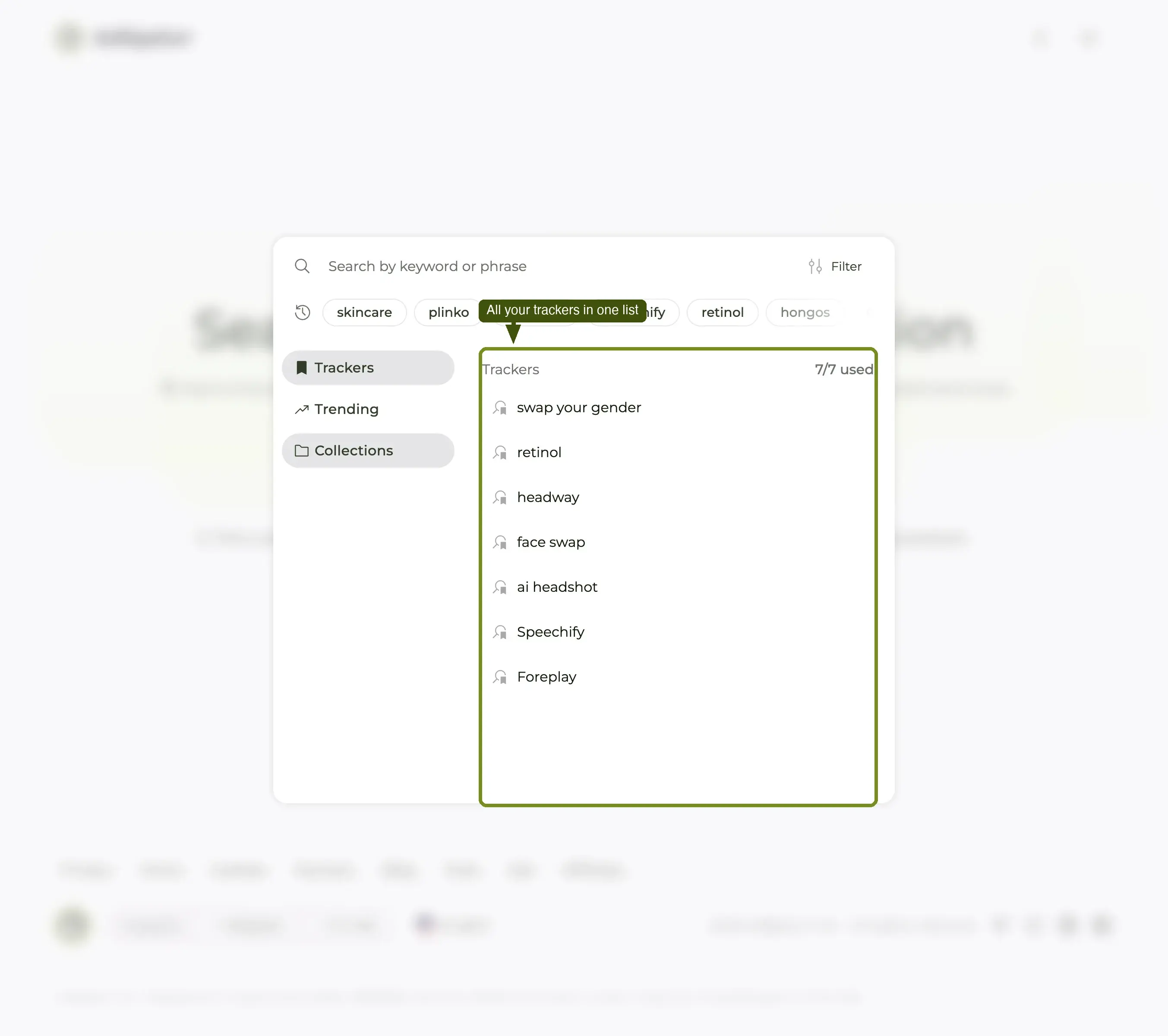
| Card | Use it when |
|---|---|
| Track an Existing Advertiser | The brand is already in Adligator's database. "Instantly monitor advertisers already available in Adligator's database." |
| Track a New Advertiser | It is not. "Bring a new advertiser into Adligator from the Meta Ad Library and begin monitoring it automatically." |
Either button opens the same dialog, Create a New Tracker, with two tabs — Search Advertisers and Add Manually.
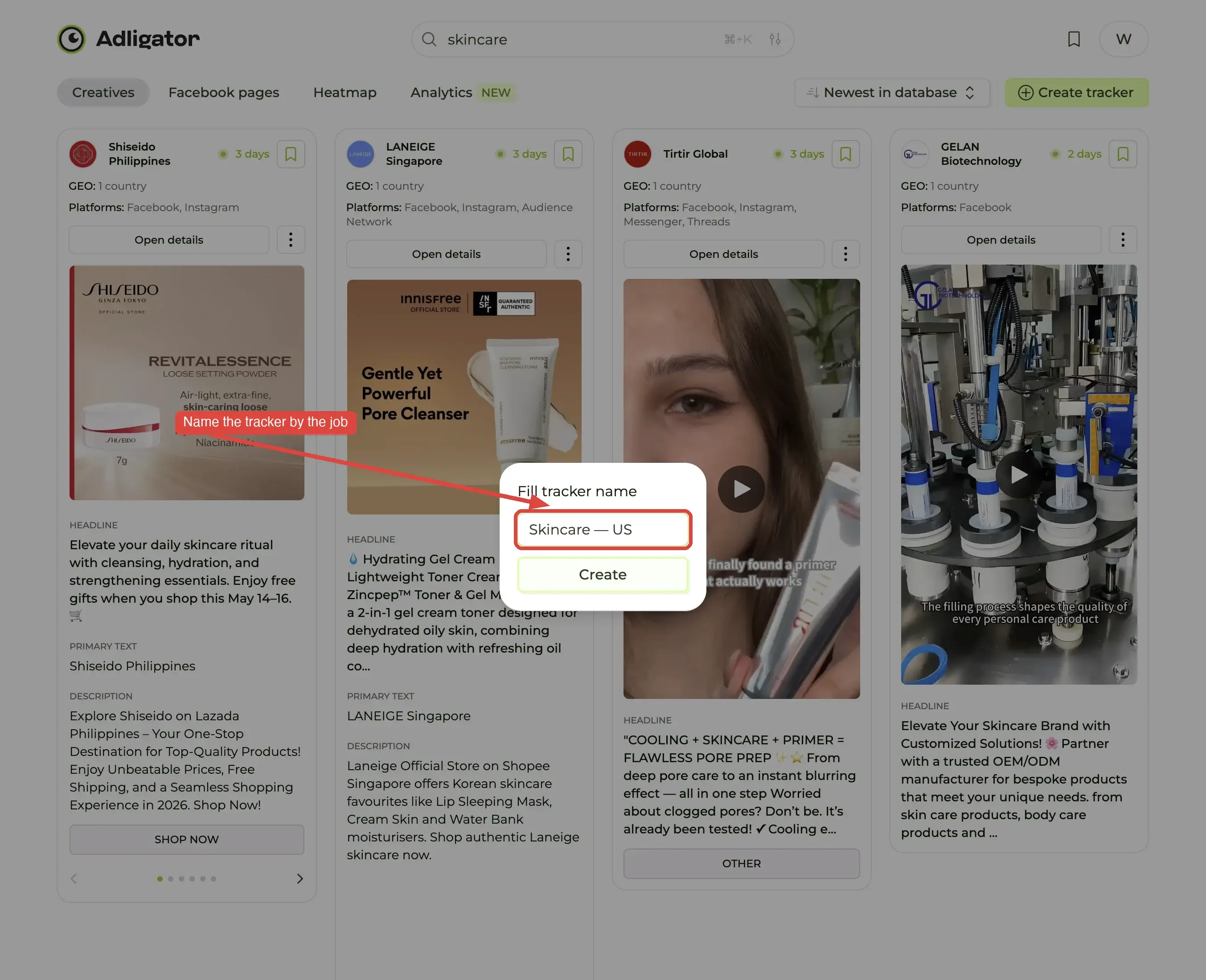
- Type the brand into Search advertisers.
- Pick the right page from the results. Big brands run several — check the ad counts and pick the library that matches your market.
- Press Create Tracker.
The new tracker appears in the grid with an Active badge. Click its card to open it.
To remove one, use the trash icon at the top-right of its card. That is a hard delete — the accumulated daily history goes with it, and there is no undo.
Quotas
| Plan | Live Trackers | Daily searches |
|---|---|---|
| Basic (free) | 0 | 5 |
| Pro | 7 | 100 |
| Team | 14 | 300 |
| Custom | Negotiated | Negotiated |
Your live usage is on the Plan & Billing page under Usage Details — it shows both counters (Trackers: 9/14, Ad searches: 2/300) and when the daily search allowance resets. That page is the number to trust.
A real workflow
Here is the routine we recommend new accounts adopt:
Monday, 09:00. Open Adligator. Three Trackers — one per top competitor. Skim what each shipped over the weekend, open Analytics on whichever looks busiest, screenshot the strongest creative into the brief you send your designer, and close the tab. Total time: 8 minutes.
That is the highest-ROI workflow on the platform. It does not require you to remember anything, type anything, or spend an hour scrolling. It works because Trackers plus Analytics turn occasional research into continuous intel.
If you have only set up one Tracker, set up two more. The whole system compounds.
