Your first Adligator search: a winning ad in 60 seconds
New to Adligator? Run your first competitor search in under a minute — here is the exact path, and the signals to read on every result.
New tools are easier to trust when the first thing you see is data you already know. So before you go competitor-hunting, run your first Adligator search on a brand you already understand — your own, or one you respect. The point of this guide is less "find ads" and more build the muscle memory for everything else in the app.
It takes about a minute.
Step 1 — Type a brand or product in the search bar
Open Adligator at app.adligator.com. You land on Ad Search, and the search bar sits at the top of the screen. Start typing a brand name, product name, or a keyword from an ad you have seen recently — nivea, ridge wallet, your-competitor.com all work.
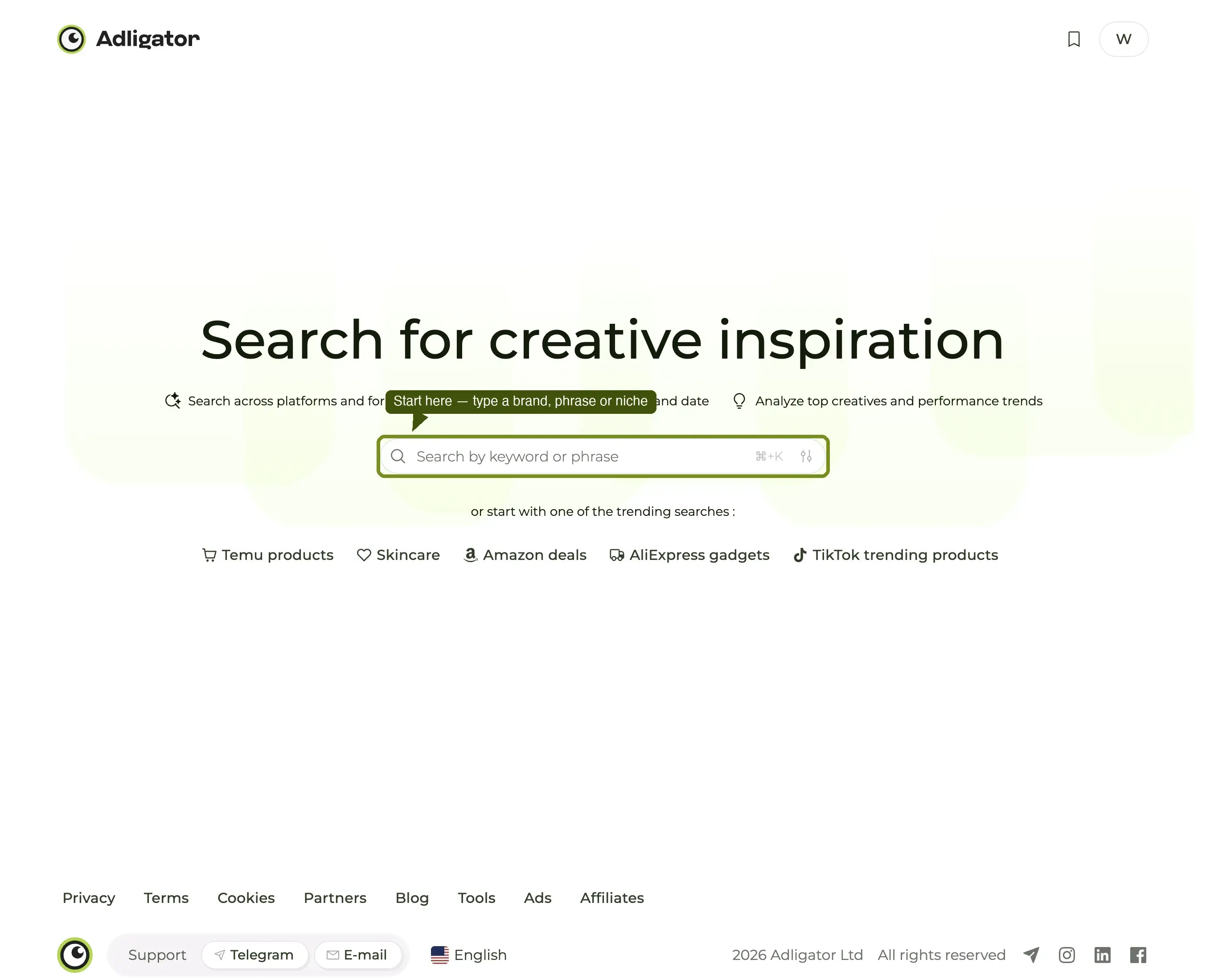
As you type, Adligator opens an autocomplete panel with two kinds of suggestions.
Step 2 — Pick the right row from autocomplete
The panel splits suggestions into two sections:
- Search by phrase (one row at the top) — runs a broad keyword search across ad copy. Use this for niche-wide research like
weight loss patchesorai resume builder. - FB pages (everything below) — each row is one specific Facebook page Adligator has already indexed, with its ad count on the right. Click one and the grid loads every ad that page is running, scoped to that single advertiser.
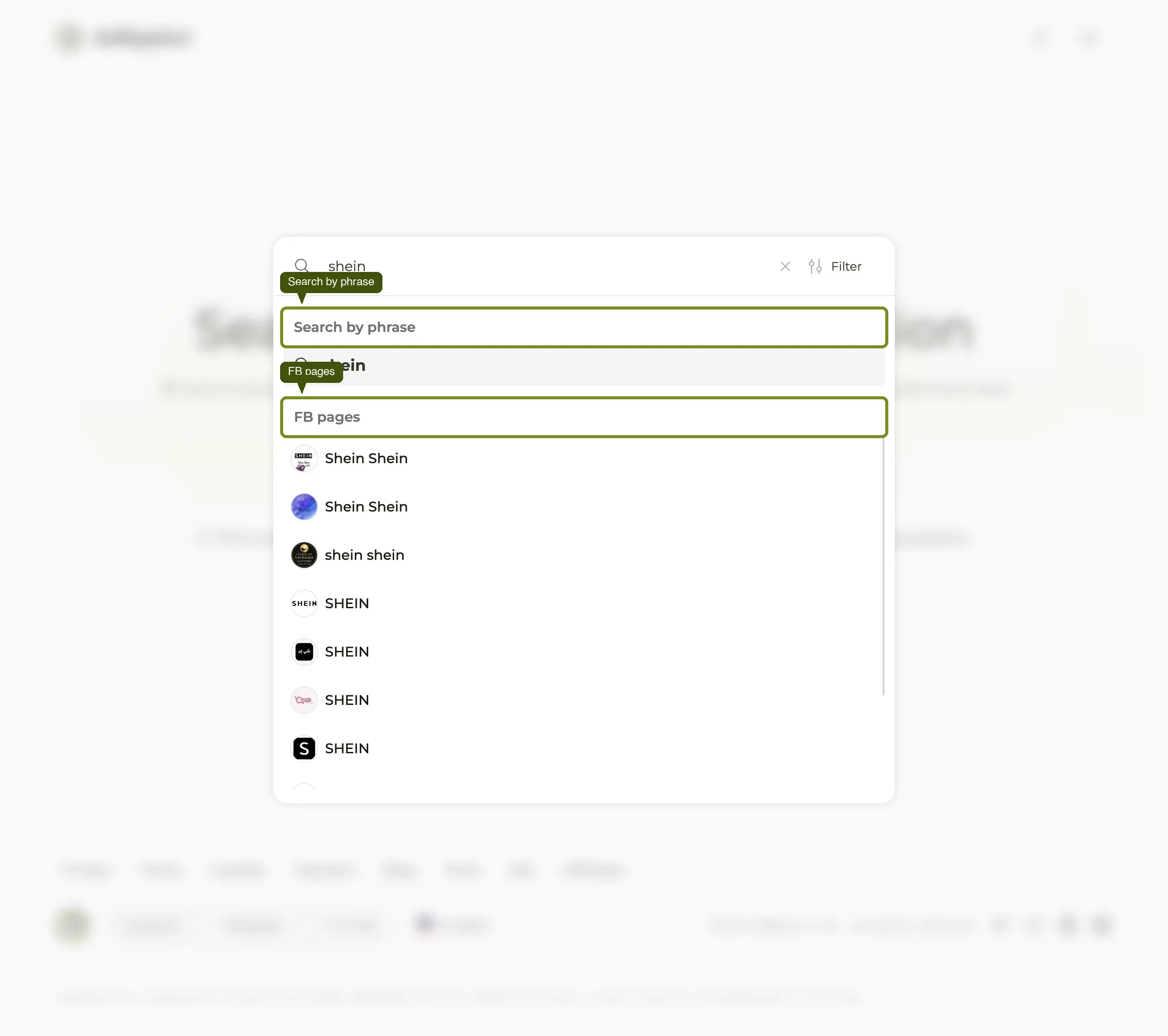
Notice that a big brand has several pages — NIVEA shows one with 6,754 ads and then a tail at 1,326, 1,213, 923, 763. Those are market-specific accounts. The ad count is your cue for which one is the main library.
For your first search, click an FB page row. It is the cleanest path to a brand-scoped grid — no false positives from sound-alike brand names.
Step 3 — Sort by "Longest running" to surface the winners
You will land on a grid showing that page's ads, freshest first. For a first look that tells you "what is actually working", change the sort.
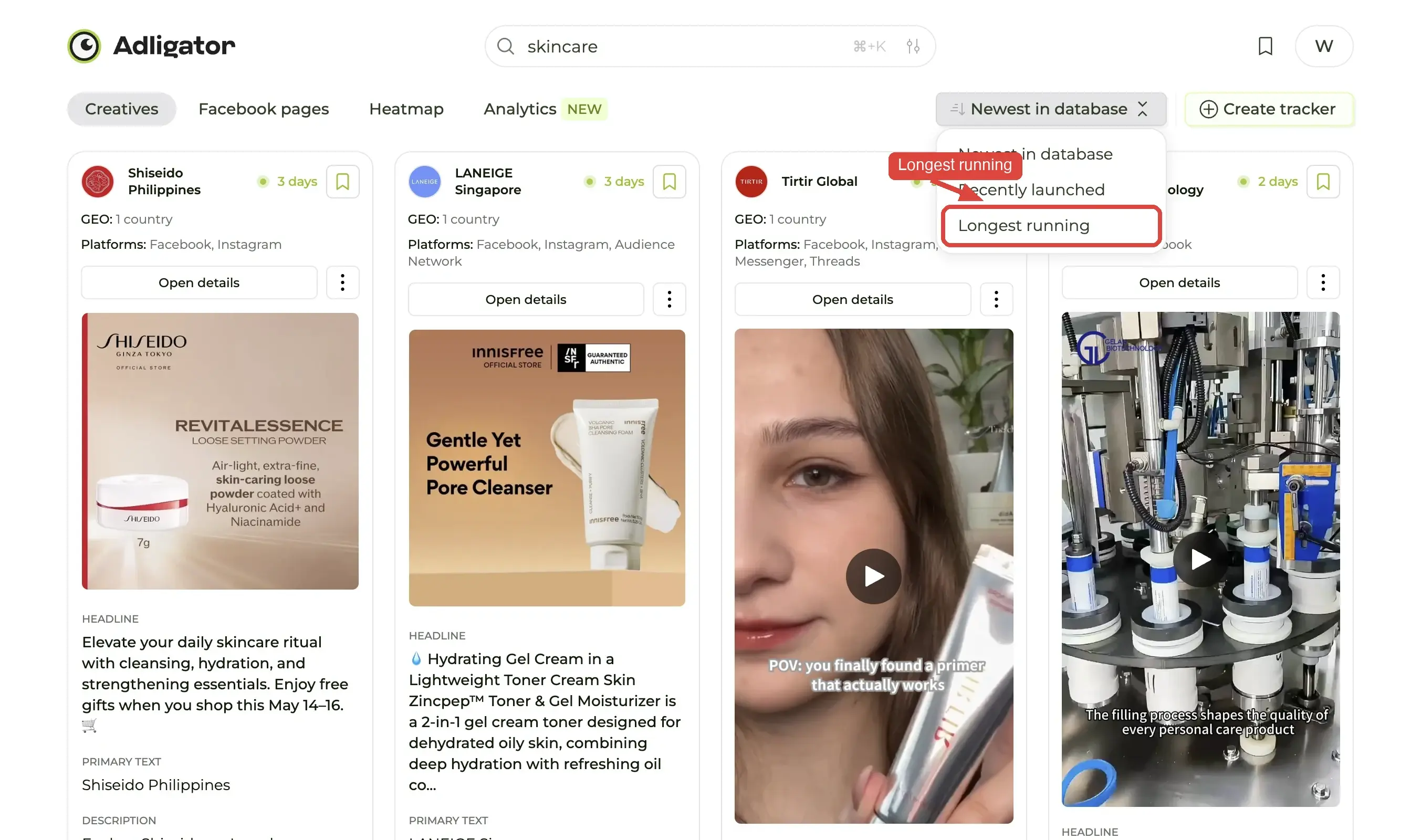
Click the sort button in the top-right of the toolbar (it reads Newest by default) and pick Longest running. Adligator re-ranks the grid by how many continuous days each ad has been live — winners first.
Why this matters. Long-running ads are the strongest signal an ad library can give you. If a brand has kept a creative live for 60+ days, they are almost certainly making money on it — performance marketers do not pay to keep losers in market. On a
niveasearch the top of this list runs to 1010, 868 and 856 days.
Step 4 — Read the card before you open it
You do not need to open every ad. The card itself carries enough to triage:
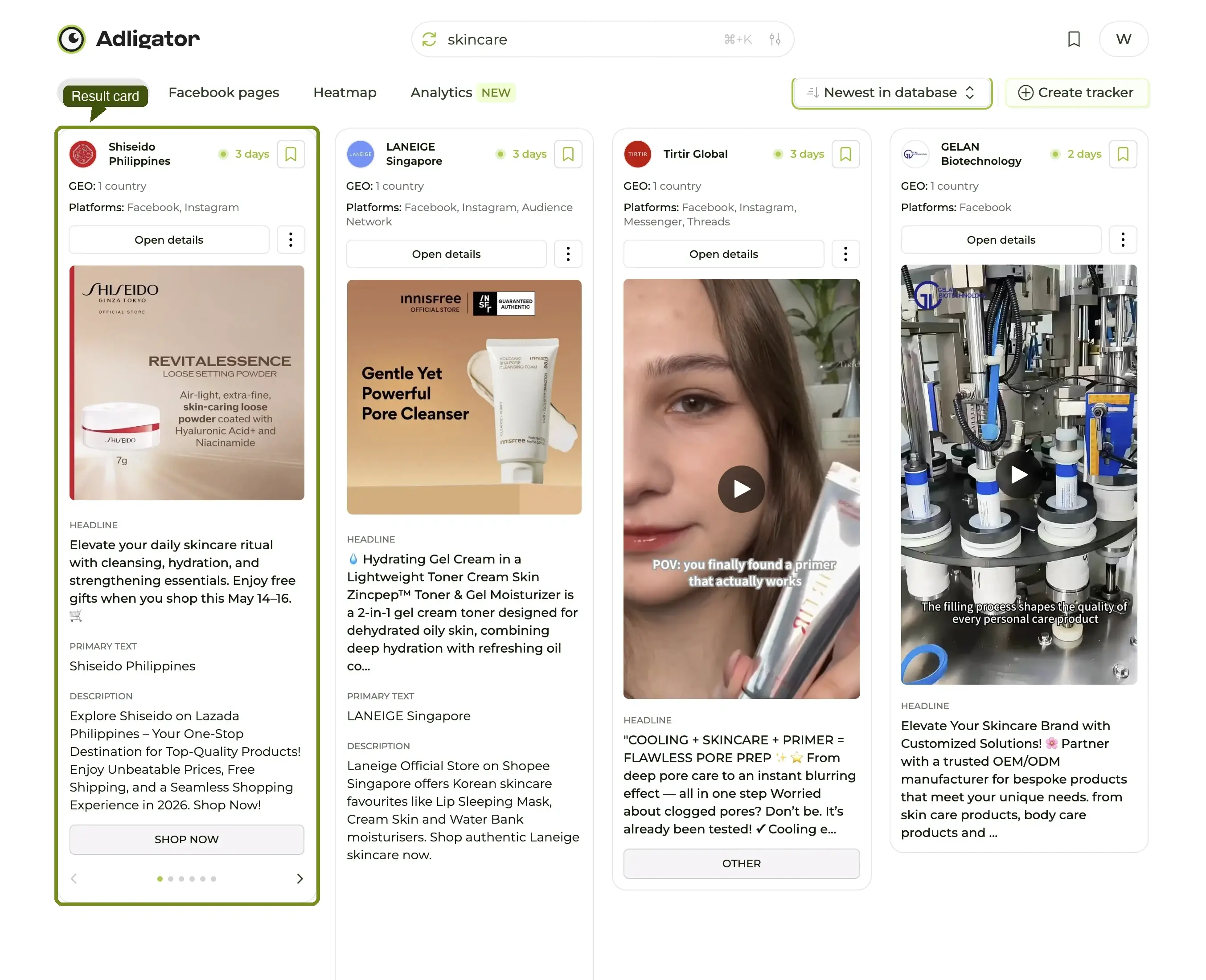
- Days running — the badge in the bottom-right ("4 d", "868 d") is how long the ad has been alive, and the dot beside it tells you whether it is still live. The longer the run, the safer the bet that the creative is profitable.
- Format — the badge in the bottom-left (
Carousel,DPA,DCO…). Nothing shown means a plain image. Video ads also carry their length in the top-right. - Hover actions — hovering a card reveals four buttons at the top-left: download the creative, save it to a Collection, share it, and open it externally.
Two numbers and a glance at the creative, read in five seconds, and you already know whether the ad is worth opening.
Step 5 — Click the card to open the detail drawer
Click anywhere on a card with a long run time. A panel slides in from the right with the full picture: the creative at full size (carousels are browsable with the arrows), the headline and body copy, and a parsed metadata block underneath.
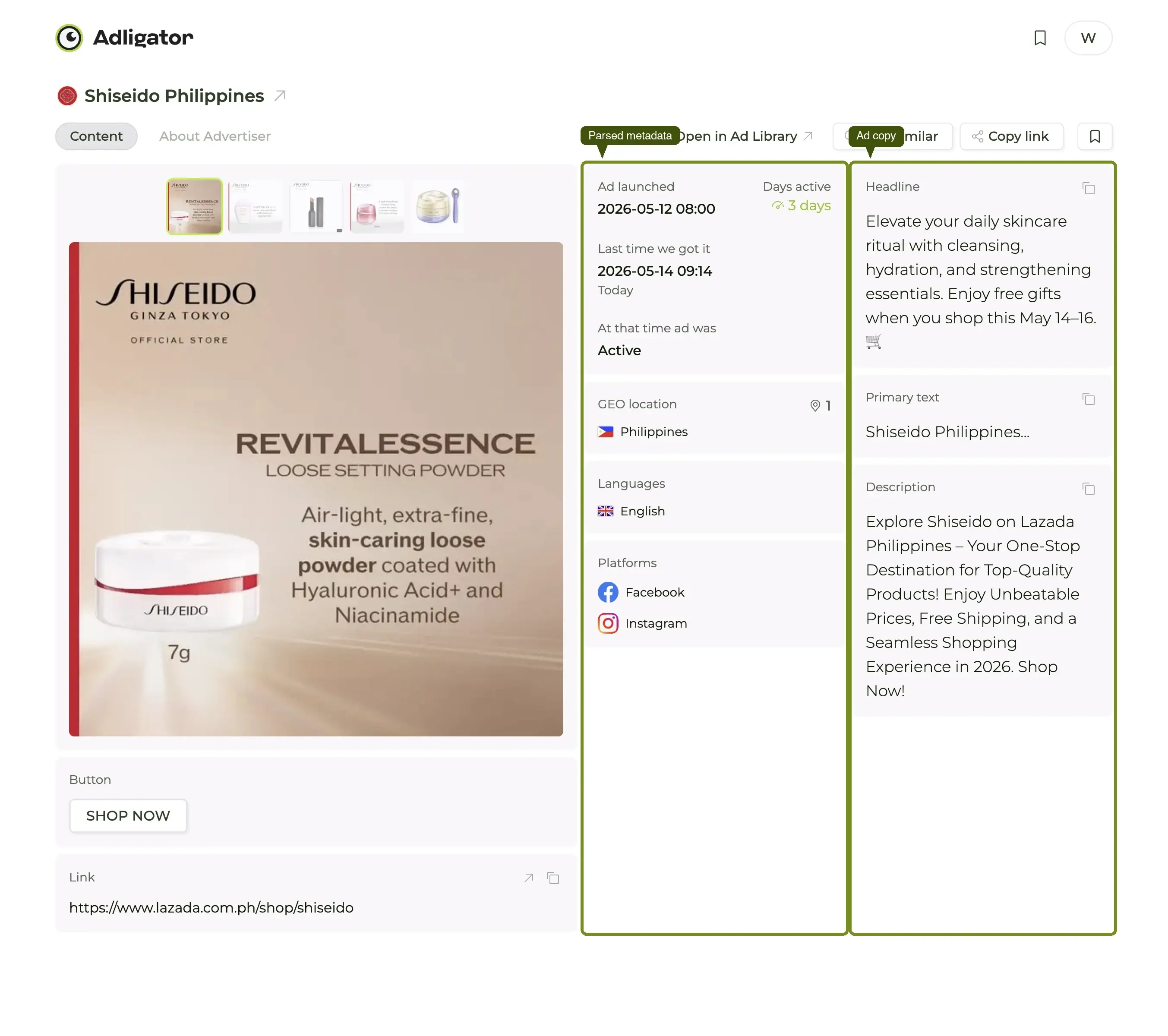
That metadata block — ID, Type, Status, Period, CTA, landing link, GEO — is the single biggest reason marketers move from the native Meta Ad Library to Adligator: every field you would have hunted for manually is already lifted out for you. The copy block above it has a one-click copy button and a translate button for ads written in a language you do not read.
The drawer does not change the URL, so closing it with the × puts you straight back where you were in the grid.
What to do next
You have just done in 60 seconds what most marketers spend an hour on inside the native Meta Ad Library. Three things worth doing before you close the tab:
- Save the best ad to a Collection so it does not get lost — the folder button on card hover.
- Set up a Tracker on this brand if you want Adligator to keep pulling its new ads for you. Read the Trackers deep dive for how.
- Try a GEO filter. If you run ads in a single market, add GEO from the Add filter menu, set it to that country and hit Apply filter — the grid tightens dramatically and the patterns become much more obvious.
The rest of Adligator Academy walks through these next steps one feature at a time. The single fastest payoff for a new account is setting up a Tracker on your top three competitors — that turns Adligator from "a place I go to" into "a place that has already done the checking for me."
